Deleting a Cash App account is not something you should do casually. Your account may contain transaction history, linked bank cards, tax documents, Bitcoin or stock activity, recurring payments, and personal information that you may need later. Before closing it, take a careful, step-by-step approach so you do not lose access to funds, records, or support options.
TLDR: Before deleting your Cash App account, make sure your balance is zero, transfer or withdraw any money, sell or move supported investments if needed, and download any records you may require. Then unlink payment methods, cancel recurring activity, and close the account through Cash App’s in-app support flow. After closure, keep confirmation records and monitor your bank accounts for any unexpected activity.
Understand What Account Deletion Actually Means
Closing a Cash App account is more serious than simply deleting the app from your phone. If you remove the app without closing the account, your profile may still exist, your payment methods may still be linked, and your transaction history may remain accessible through Cash App’s systems. A proper account closure is the process of requesting that Cash App deactivate your account and disconnect it from normal use.
It is also important to understand that deleting your account may not instantly erase every record associated with you. Financial service providers are often required to retain certain records for legal, regulatory, fraud prevention, tax, and compliance reasons. This does not mean your account will remain active, but it does mean some information may be retained according to Cash App’s policies and applicable law.
Before you proceed, treat the process like closing a bank-related service: review balances, download records, cancel obligations, and confirm that no pending transactions remain.
Step 1: Check Your Balance and Pending Transactions
Start by opening Cash App and checking your current balance. If there is money in the account, you should transfer it to your linked bank account or spend it before deletion. Closing an account while funds remain may delay the process or require additional assistance from support.
Next, look for any pending payments, deposits, Cash Card transactions, disputes, refunds, or transfers. A pending transaction can affect your final balance or create confusion after your account is closed. If you see anything unresolved, wait until it is completed or contact Cash App support before moving forward.
- Check your Cash App balance and make sure it is at zero before closing.
- Review recent transactions for pending payments, refunds, or disputes.
- Verify bank transfers have arrived in your external bank account.
- Do not delete the app yet if anything is still unresolved.
Step 2: Cash Out Any Remaining Money
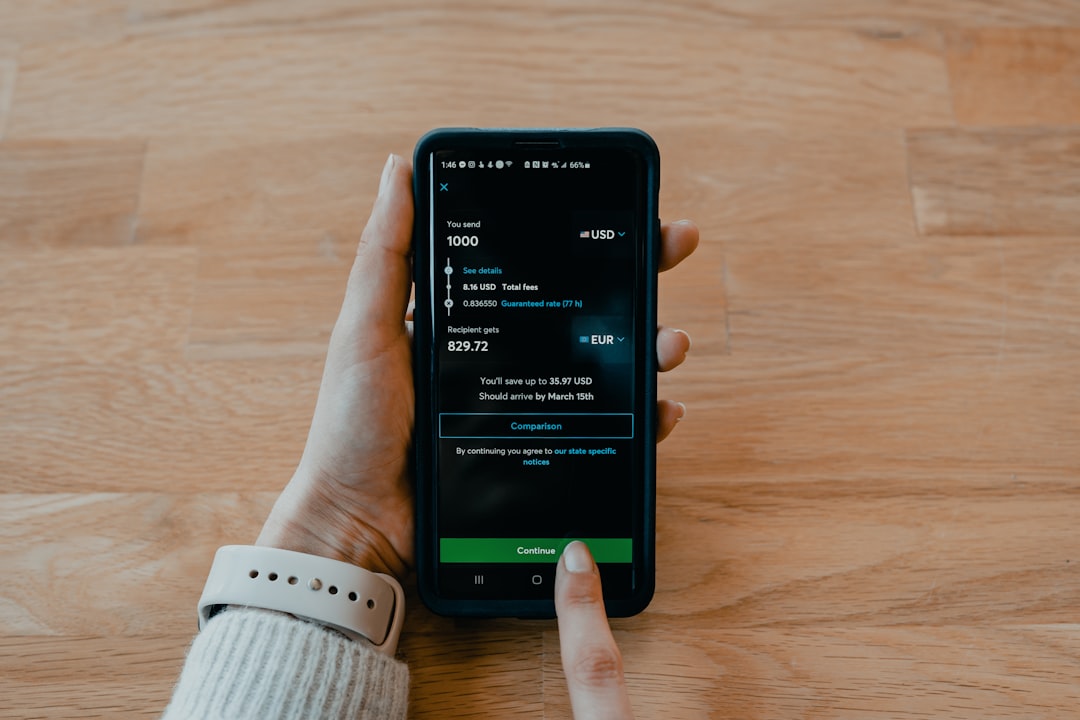
If your Cash App balance is positive, use the Cash Out option to move the money to your linked bank account. You may be offered a standard transfer or an instant transfer. Standard transfers usually take longer but may be free, while instant transfers may include a fee. Choose the option that best fits your needs and confirm that the funds have arrived before proceeding.
Do not assume that initiating a transfer is enough. Log in to your bank account and confirm the deposit has been received. If you close your Cash App account while a transfer is still processing, you may complicate your ability to track it or get quick support.
A safe rule is simple: do not close the account until your Cash App balance is zero and your bank confirms receipt of transferred funds.
Step 3: Handle Bitcoin, Stocks, and Other Financial Features
If you used Cash App for Bitcoin or stock investing, take extra care. Review your holdings and decide whether you need to sell, transfer, or otherwise resolve them before closing your account. Investment-related activity may also create tax reporting obligations, so you should download the relevant documents before account closure.
For Bitcoin, you may need to sell the Bitcoin for cash or withdraw it to an external wallet if eligible and supported. For stocks, you may need to sell your shares or follow Cash App’s available process for transferring or liquidating holdings. Because fees, tax consequences, and timing may apply, consider consulting a qualified financial or tax professional if you are unsure.
Do not rush this step. Financial assets are different from ordinary app settings. Once an account is closed, recovering access to investment activity or related documents may become more difficult.
Step 4: Download Statements, Receipts, and Tax Documents
Before closing your Cash App account, save copies of any records you may need later. This is especially important if you used Cash App for business, freelance payments, rent, shared expenses, Bitcoin, stocks, or tax-reportable transactions. Even if you believe you will not need the records, it is wise to keep them for your personal files.
You may be able to access statements, transaction history, and tax forms through Cash App or its web-based account tools, depending on your account activity and the documents available to you. Download files in a secure location, such as an encrypted folder, password-protected drive, or trusted cloud storage account with strong authentication.
- Monthly statements for personal recordkeeping.
- Transaction history for payments sent and received.
- Tax forms related to business payments, Bitcoin, or investing.
- Receipts or confirmations for important transfers.
- Support conversations related to disputes or unresolved issues.
Step 5: Cancel Recurring Payments and Linked Services
Review whether your Cash App account, Cash Card, or routing and account numbers are being used for recurring charges or deposits. This can include subscriptions, memberships, paycheck direct deposit, government benefits, utility bills, or automatic transfers. If you close your account without changing these arrangements, payments may fail or deposits may be rejected.
Update each merchant, employer, or agency with a new payment method before closing Cash App. If you used Cash App direct deposit, confirm that your new direct deposit information is active and that your next payment will be routed correctly. It is usually best to wait until at least one successful deposit has arrived in your new account before closing the old one.
Common items to review include:
- Streaming services and app subscriptions.
- Loan, insurance, or utility payments.
- Payroll direct deposit.
- Government benefit deposits.
- Online shopping accounts using your Cash Card.
- Any person or business that regularly sends money to your Cash App.
Step 6: Disable or Unlink Your Cash Card Where Possible
If you have a Cash Card, check whether it is still active and whether it is saved with online merchants. Removing the card from websites and apps reduces the chance of declined charges, billing confusion, or attempted transactions after closure. You should also destroy any physical Cash Card after the account is closed, especially if it contains visible card details.
In the app, review card settings and security options before closing your account. If you suspect fraud or unauthorized use, report it to Cash App support before deletion. Closing an account does not replace the need to dispute unauthorized charges properly.
Step 7: Unlink Bank Accounts and Debit Cards
Before requesting closure, consider removing linked debit cards and bank accounts from your Cash App profile. This can provide an additional layer of confidence, especially if your reason for deleting the account is privacy, security, or reducing your exposure across multiple financial apps.
To do this, open Cash App and go to your profile or linked banks section. Select each linked payment method and remove or replace it if the option is available. The exact wording may vary depending on your app version and region, but you are generally looking for settings related to Linked Banks, Debit Card, or Bank Account.
If the app does not allow you to remove a payment method because of pending activity, resolve that activity first.
Step 8: Contact Support or Use the In-App Closure Option
Once your balance is zero, records are saved, recurring payments are updated, and payment methods are reviewed, you can begin the account closure process. Cash App typically directs users to close an account through the app’s support area.
Although menu labels can change, the general path is usually similar to this:
- Open Cash App on your device.
- Tap your profile icon.
- Choose Support.
- Look for an option related to Account Settings or Something Else.
- Select Close Your Cash App Account or a similar account closure option.
- Follow the prompts and confirm that you want to close the account.
Read each screen carefully. The app may remind you to cash out funds, resolve pending activity, or download records. If you cannot find the closure option, contact Cash App support through the app or through official Cash App support channels. Avoid third-party phone numbers, search result ads, or anyone claiming they can close the account for you in exchange for payment or login details.
Step 9: Confirm Closure Before Deleting the App
After submitting the closure request, wait for confirmation that the account has been closed. This confirmation may appear in the app or arrive by email or message, depending on Cash App’s process. Keep a copy of the confirmation for your records.
Only after you have received closure confirmation should you delete the Cash App application from your phone. Deleting the app first can make it harder to access support, retrieve records, or confirm the status of your request.
A safe sequence is: complete preparation, close the account through support, receive confirmation, then delete the app.
Step 10: Protect Your Security After Deletion
Even after your account is closed, continue monitoring your linked bank account, debit card, and email for unusual activity. If you closed the account because you suspected fraud, consider changing passwords, enabling two-factor authentication on important accounts, and contacting your bank about replacing compromised cards.
Use a strong, unique password for your email account, because email access can often be used to reset passwords for financial services. If your phone number was linked to your Cash App account, be alert for phishing texts pretending to be Cash App support. Legitimate support will not ask for your full password, PIN, sign-in code, or sensitive banking credentials through an unsolicited message.
Common Mistakes to Avoid
Many problems occur because users delete the app too early or assume account closure is automatic. Avoid these common mistakes:
- Deleting the app instead of closing the account: This removes the app from your phone but may not close your account.
- Leaving money in the account: Always cash out and verify receipt first.
- Ignoring pending transactions: Wait until transfers, refunds, or disputes are resolved.
- Forgetting tax documents: Download investment, Bitcoin, and payment records before closure.
- Using unofficial support contacts: Scammers often impersonate payment app support teams.
- Closing before updating direct deposit: Make sure your paycheck or benefits are redirected successfully.
Can You Reopen a Deleted Cash App Account?
In some cases, you may be able to create a new Cash App account using your information, but you should not assume that your previous account, transaction history, $Cashtag, settings, or activity will be restored. Account recovery and reactivation depend on Cash App’s policies and your specific situation.
If you are only trying to solve a temporary issue, such as unwanted notifications, an old card, or privacy concerns, consider whether changing settings would be enough. Account deletion is appropriate when you are certain you no longer want to use the service and have completed all financial and recordkeeping tasks.
Final Checklist Before Closing Your Cash App Account
Use this checklist before you confirm deletion:
- Your Cash App balance is zero.
- All transfers have arrived in your external bank account.
- Pending payments, refunds, disputes, and deposits are resolved.
- Bitcoin, stocks, or other financial holdings have been handled properly.
- Statements, receipts, and tax documents are downloaded and stored securely.
- Recurring payments and direct deposits have been moved elsewhere.
- Linked cards and bank accounts have been reviewed or removed where possible.
- You are using only official Cash App support channels.
- You have received confirmation before deleting the app.
Deleting your Cash App account safely is mainly about preparation. If you take time to secure your money, preserve your records, cancel ongoing activity, and use the official closure process, you reduce the risk of lost funds, missed deposits, tax problems, or security concerns. Treat the process with the same care you would use when closing any financial account, and keep documentation of every important step.