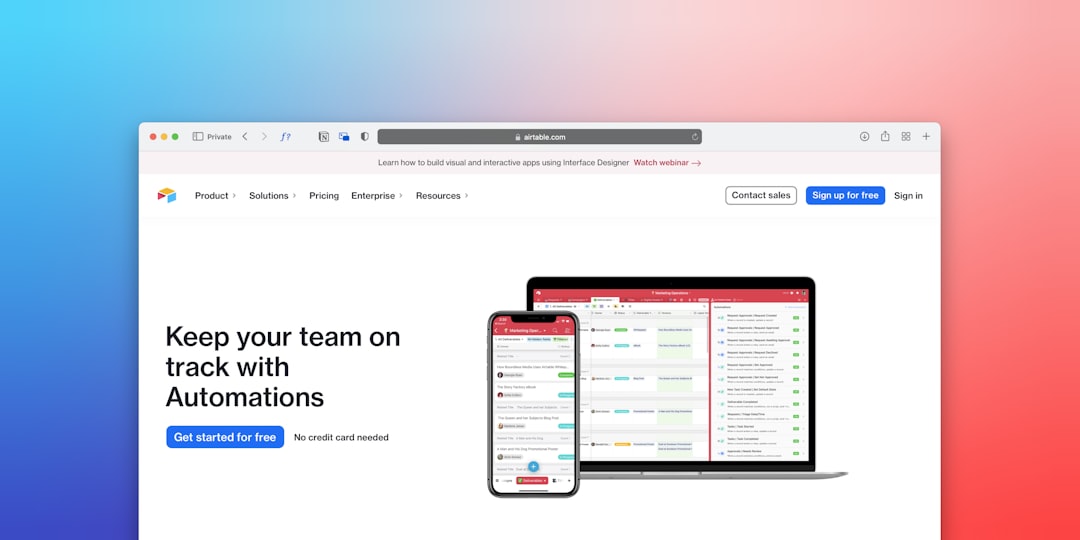
Automation has moved from a technical luxury to a practical operating model for modern teams. As artificial intelligence becomes easier to connect with everyday software, organizations are using AI workflows to reduce repetitive work, improve decision-making, and create more consistent customer experiences. The most useful workflows are not abstract experiments; they are structured processes where AI receives information, analyzes it, takes action, and alerts a human when judgment is required.
TLDR: AI workflows help teams automate repeatable tasks such as email sorting, customer support, reporting, lead qualification, and content production. The strongest examples combine AI tools with existing systems like CRMs, help desks, spreadsheets, and project management platforms. Human review remains important for sensitive decisions, but routine work can often be accelerated dramatically. Organizations that start small, measure results, and refine prompts and rules tend to get the best outcomes.
What Is an AI Workflow?
An AI workflow is a sequence of steps in which artificial intelligence performs or supports tasks that would otherwise require manual effort. A workflow may begin when a customer submits a form, an invoice arrives by email, a sales call is transcribed, or a document is uploaded. The AI system then interprets the information, classifies it, extracts useful data, generates a response, updates a database, or triggers another action.
Unlike simple automation, which usually follows fixed rules, AI workflows can handle unstructured information such as emails, conversations, PDFs, images, and long documents. This makes them especially useful in business environments where information does not always arrive in a neat format.
Why AI Workflows Matter
AI workflows matter because teams often lose time on tasks that are necessary but not strategic. Employees copy information between systems, summarize meetings, tag support tickets, draft standard replies, and prepare reports. These activities do not always require deep expertise, but they consume attention and slow down higher-value work.
When properly implemented, AI workflows can provide several advantages:
- Speed: AI can analyze and route information within seconds.
- Consistency: Workflows apply the same process every time, reducing variation.
- Scalability: Teams can handle more requests without hiring at the same pace.
- Better documentation: AI can summarize, tag, and store information automatically.
- Improved focus: Employees can spend more time on creative, strategic, or relationship-based work.
Example 1: Customer Support Ticket Triage
One of the most practical uses of AI workflows is support ticket triage. When a customer submits a request, the AI can read the message, detect the topic, estimate urgency, identify sentiment, and route the ticket to the correct team.
For example, a software company may receive hundreds of tickets each day about billing, login problems, feature requests, and technical bugs. Instead of requiring a support coordinator to review each ticket manually, an AI workflow can label the ticket as billing issue, technical bug, or account access problem. It can also detect whether the customer sounds frustrated and assign a higher priority if needed.
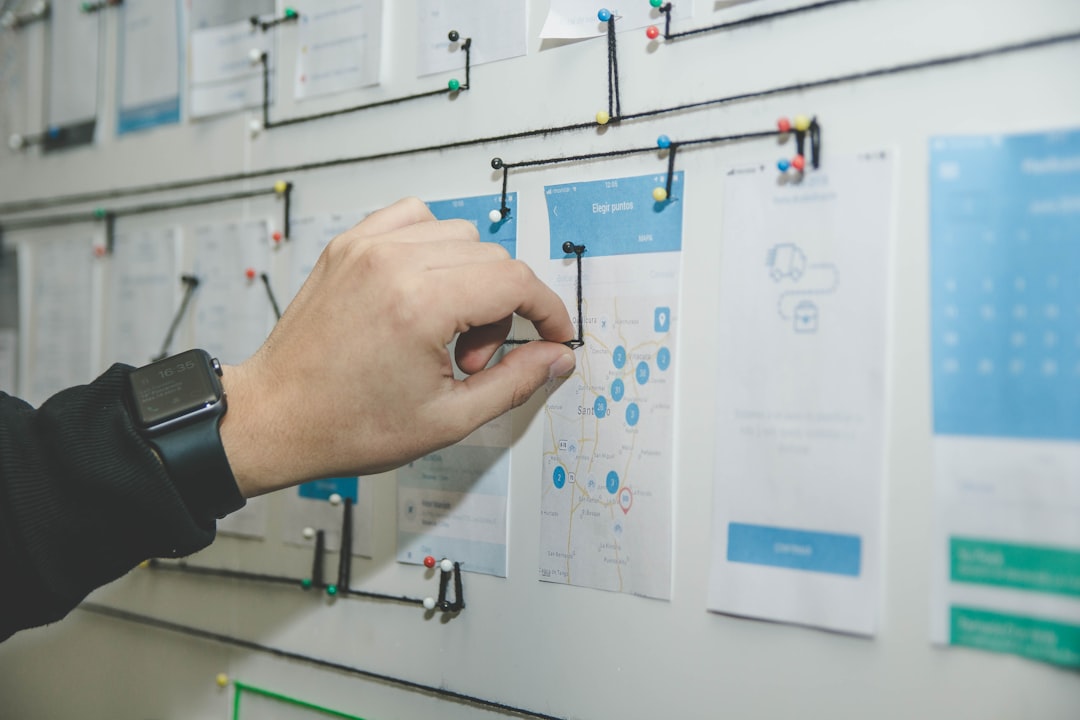
The workflow may look like this:
- A customer submits a support request.
- AI reads the message and classifies the issue.
- The system assigns priority based on urgency and sentiment.
- The ticket is routed to the correct department.
- AI drafts a suggested response for the agent.
- A human agent reviews and sends the final reply.
This workflow does not replace the support team. Instead, it removes the repetitive first step and helps agents respond faster with better context.
Example 2: Automated Meeting Summaries and Follow-Ups
Meetings often produce decisions, action items, and useful context, but those details can easily disappear if no one documents them. An AI workflow can transcribe a meeting, summarize the discussion, identify next steps, and send follow-up messages to participants.
In a sales meeting, for instance, AI can identify the prospect’s pain points, budget concerns, timeline, objections, and requested materials. It can then update the CRM, draft a follow-up email, and create tasks for the account executive.
A typical meeting workflow may include:
- Recording and transcription of the meeting.
- AI summary of key points and decisions.
- Extraction of action items with owners and deadlines.
- Automatic CRM or project management updates.
- Drafting of personalized follow-up emails.
This kind of workflow is valuable because it improves accountability. Participants do not need to rely on memory, and managers gain better visibility into progress.
Example 3: Lead Qualification and Sales Routing
Sales teams can use AI workflows to qualify leads more efficiently. When a lead completes a website form, downloads a resource, or responds to a campaign, AI can evaluate the lead’s fit and intent. It may analyze job title, company size, industry, message content, location, and engagement history.
Based on that analysis, the workflow can assign a score, route the lead to the right salesperson, and draft a personalized outreach message. A high-value enterprise lead may be sent directly to a senior account executive, while a smaller lead may enter an automated nurturing sequence.

This process helps sales teams avoid wasting time on poor-fit leads while ensuring that promising opportunities receive quick attention. Since speed often affects conversion rates, automated routing can have a direct impact on revenue.
Example 4: Invoice and Document Processing
Finance and operations teams often process invoices, receipts, contracts, purchase orders, and compliance documents. Traditionally, employees must open each document, identify key details, enter information into accounting software, and verify accuracy.
An AI workflow can extract vendor names, invoice numbers, totals, due dates, tax amounts, and payment terms from uploaded documents. It can compare the data against purchase orders, flag mismatches, and send unusual cases to a human reviewer.
Common document automation steps include:
- Document upload or email intake.
- Optical character recognition and text extraction.
- AI-based classification of document type.
- Extraction of important fields.
- Validation against internal records.
- Approval routing or payment preparation.
This workflow is especially useful because documents vary in format. AI can handle more variation than traditional template-based systems, although human approval is still recommended for payments and legal obligations.
Example 5: Content Research and Drafting
Marketing teams can use AI workflows to accelerate content planning and production. AI can gather competitor information, summarize trends, suggest outlines, draft social posts, adapt content for different channels, and check whether messaging follows brand guidelines.
For example, a content workflow may begin with a marketing manager entering a campaign theme. AI can generate article ideas, organize them by audience stage, suggest keywords, draft a brief, and create first versions of email newsletters or social captions. A human editor then reviews, improves, and approves the final content.
The best content workflows treat AI as a creative assistant, not as an unsupervised publisher. Human oversight ensures accuracy, tone, originality, and strategic alignment.
Example 6: HR Screening and Employee Onboarding
Human resources teams can benefit from AI workflows in hiring and onboarding. In recruiting, AI can summarize resumes, compare candidate experience with job requirements, and help recruiters prioritize applications. However, organizations should be careful to avoid biased decision-making and should keep humans involved in employment decisions.
For onboarding, AI workflows can be especially practical. When a new employee is hired, a workflow can create accounts, send welcome materials, assign training modules, schedule orientation meetings, and answer common questions through an internal assistant.
An onboarding workflow may automate:
- Welcome emails and document requests.
- IT account creation notifications.
- Training checklist assignments.
- Policy acknowledgments.
- Frequently asked employee questions.
This creates a smoother experience for new employees and reduces administrative pressure on HR teams.
Example 7: Business Intelligence and Reporting
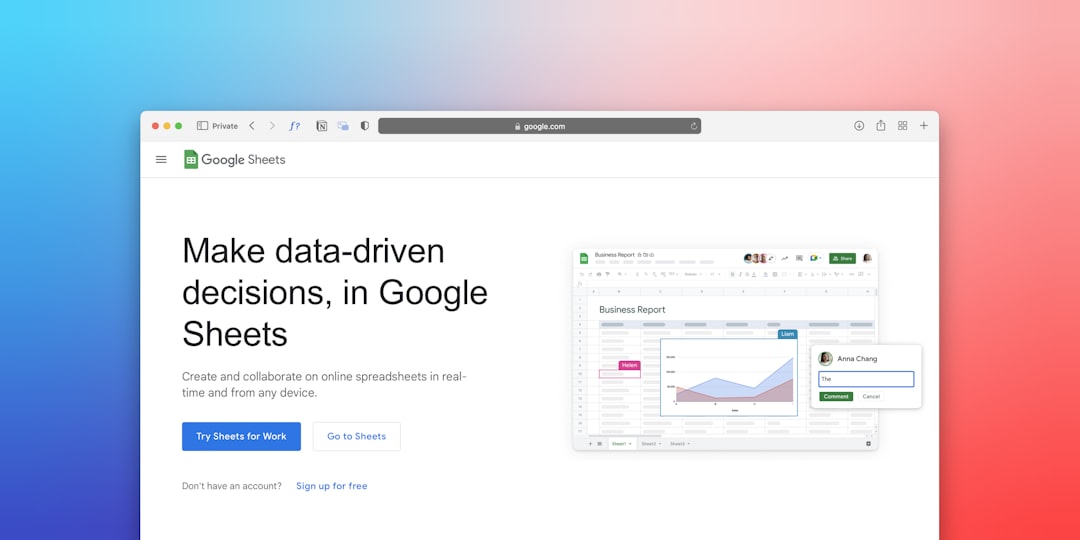
AI workflows can also make reporting more accessible. Many teams collect data in spreadsheets, analytics platforms, CRMs, and financial systems, but turning that data into useful insight takes time. AI can summarize trends, detect anomalies, and translate complex metrics into plain-language explanations.
For example, a weekly reporting workflow may pull sales data, website traffic, support volume, and campaign performance. AI can then generate a summary that highlights changes, risks, and recommended actions. If revenue dropped in a specific region or support tickets increased for a feature, the workflow can flag the issue for review.
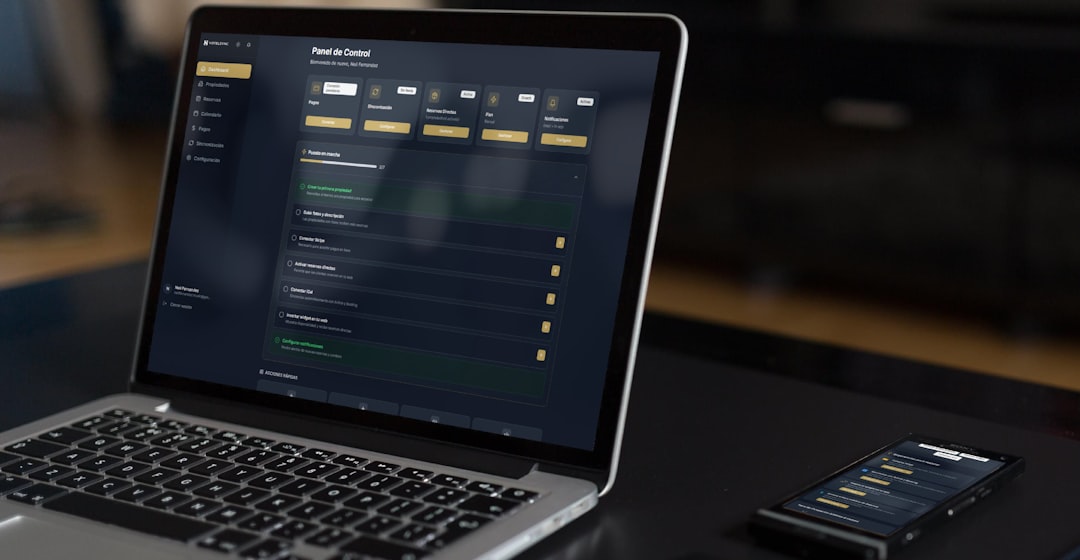
This does not eliminate the need for analysts. Instead, it gives them a faster starting point and helps non-technical stakeholders understand what changed and why it may matter.
How to Build a Practical AI Workflow
Organizations should begin with a clear business problem rather than adopting AI for its own sake. The best initial workflow is usually repetitive, high-volume, and low-risk. It should have measurable outcomes, such as reduced response time, fewer manual entries, or faster report creation.
A practical implementation process includes:
- Identify a repetitive task: Select a process that consumes time and follows a recognizable pattern.
- Map the current process: Document inputs, decisions, systems, and handoffs.
- Define success metrics: Choose measurable goals such as time saved or error reduction.
- Choose integration points: Connect AI with tools already used by the team.
- Add human review: Require approval for sensitive or high-impact actions.
- Test with real examples: Use actual tickets, documents, messages, or reports.
- Improve over time: Refine prompts, rules, labels, and exception handling.
Common Mistakes to Avoid
AI workflows can fail when teams automate too much too soon. If a process is poorly understood, AI may simply make confusion happen faster. Another common mistake is removing human oversight from decisions that involve customers, money, legal risk, hiring, or reputation.
Organizations should also avoid vague instructions. AI performs better when it has clear context, examples, formatting requirements, and boundaries. For instance, asking AI to “respond to customers” is too broad. Asking it to “draft a polite reply using the company refund policy, then send it to an agent for approval” is much safer and more useful.
The Role of Human Oversight
The most effective AI workflows are not fully autonomous in every situation. They use human in the loop design, where AI handles fast analysis and preparation while humans make final decisions when judgment is required. This balance improves efficiency without sacrificing responsibility.
Human review is especially important for medical advice, legal interpretation, financial approvals, disciplinary actions, hiring decisions, and public communications. In these areas, AI can assist, but accountability should remain with qualified people.
Conclusion
AI workflows are becoming a practical foundation for modern automation. They help organizations process information faster, reduce repetitive tasks, improve consistency, and free employees to focus on work that requires judgment and creativity. The strongest examples are not dramatic replacements for human workers, but carefully designed systems that support them.
Teams that start with narrow use cases, connect AI to existing tools, and keep humans involved in important decisions are most likely to see lasting value. As AI capabilities continue to improve, workflow automation will become less about isolated tools and more about intelligent processes that quietly support daily operations.
FAQ
What is an AI workflow?
An AI workflow is a structured process where artificial intelligence analyzes information, performs tasks, triggers actions, or supports human decision-making across connected systems.
What are the best tasks to automate with AI?
The best tasks are repetitive, high-volume, and based on recognizable patterns. Examples include ticket routing, meeting summaries, invoice processing, lead scoring, report generation, and content drafting.
Can AI workflows replace employees?
In most practical cases, AI workflows support employees rather than replace them. They reduce manual work and allow people to focus on complex decisions, relationships, strategy, and creative problem-solving.
Do AI workflows require coding?
Some advanced workflows require technical setup, but many can be built with no-code or low-code automation platforms. The complexity depends on the systems involved and the level of customization required.
How can a company start using AI workflows safely?
A company should begin with a low-risk process, define clear success metrics, test with real data, and include human review. Sensitive decisions involving money, legal issues, customers, or employees should not be fully automated without oversight.
What is the biggest risk of AI workflow automation?
The biggest risk is trusting AI outputs without review, especially in high-impact situations. Poor data, unclear instructions, or missing context can lead to inaccurate results, so monitoring and quality control are essential.