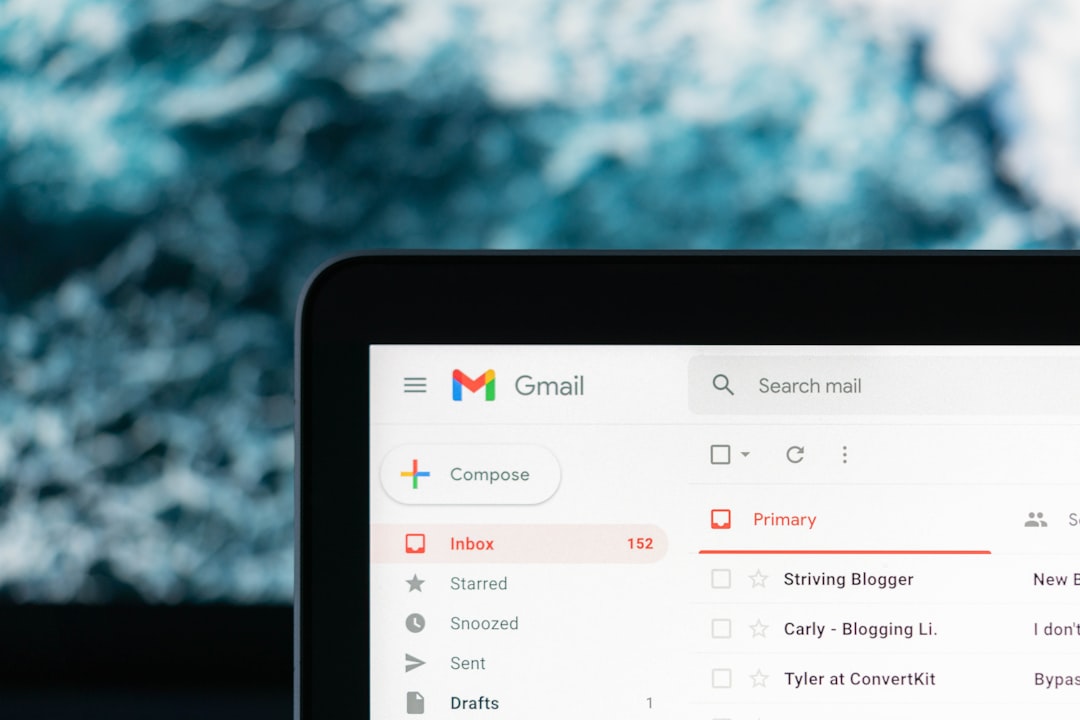
Your inbox is a busy little city. Bills arrive. Friends wave hello. Newsletters shout from every corner. Gmail is popular because it is fast, free, and easy. But many people now ask a big question. Who is watching the city? If you want less tracking, fewer ads, and more control, privacy email platforms are ready to compete.
TLDR: Gmail is convenient, but it is not the only good choice. Privacy email services like Proton Mail, Tuta, Fastmail, StartMail, and Mailbox.org offer stronger privacy features and cleaner inboxes. Some focus on encryption. Others focus on business tools, aliases, or simple private email. The best one depends on how private, cheap, and easy you want your email to be.
Why Look Beyond Gmail?
Gmail is like a giant mall. It has everything. It is bright. It is quick. It connects to many other tools. But a mall is not exactly private.
Google says it does not read Gmail for ad targeting like it once did. Still, Gmail is part of a huge data world. Your account connects to search, maps, YouTube, Android, ads, and more. That makes some people nervous. Fair enough.
Privacy email platforms try to be different. They often offer:
- End to end encryption, so only the right people can read messages.
- No ads, so your inbox feels less like a billboard.
- Better alias tools, so you can hide your real address.
- Less tracking, so senders know less about you.
- Clearer business models, usually paid plans instead of data driven ads.
In simple words, you pay with money instead of mystery.
1. Proton Mail: The Privacy Superstar
Proton Mail is one of the most famous Gmail alternatives. It is based in Switzerland. That sounds fancy. It also matters. Swiss privacy laws are strong.
Proton Mail gives you end to end encryption when you email other Proton users. You can also send encrypted messages to people outside Proton with a password. That is handy. It feels like putting your email inside a locked lunchbox.
The design is clean. The mobile apps are nice. The free plan is useful, though limited. Paid plans add more storage, custom domains, extra addresses, and access to other Proton tools. These include calendar, drive, VPN, and password manager.
Best for: People who want strong privacy with an easy interface.
Watch out for: Search can feel less powerful than Gmail. This is partly because encryption makes deep search harder.
2. Tuta: Simple, Secure, and Very Serious
Tuta, once called Tutanota, is another strong privacy choice. It is based in Germany. It encrypts your mailbox, contacts, and calendar. That is a big deal.
Tuta is very serious about privacy. It has a simple look. It does not try to be a huge social universe. It tries to be secure email. That is the job. It does the job well.
One fun thing is that Tuta feels peaceful. No noisy ads. No messy panels. No giant “look at me” buttons. Just email, calendar, and privacy.
Best for: People who want strong encryption at a fair price.
Watch out for: It may feel a bit plain if you love lots of advanced features.
3. Fastmail: Privacy With Speed and Polish
Fastmail is not the same type of privacy tool as Proton or Tuta. It does not focus on end to end encryption by default. Instead, it focuses on a private, paid, ad free email experience.
Fastmail is fast. The name is not lying. It also has great search, strong spam filters, clean design, and excellent custom domain support. If Gmail is a bustling city, Fastmail is a well run train station. Things arrive on time.
Fastmail also gives you handy email aliases. These are little masks for your email address. You can use one alias for shopping, another for social media, and another for newsletters. If one gets spammed, delete it. Poof. Gone.
Best for: People who want a smooth Gmail style experience without ads.
Watch out for: It is not built around zero access encryption like some rivals.
4. StartMail: Private Email From Search Privacy Veterans
StartMail was created by the team behind Startpage, a private search engine. It is based in the Netherlands. It offers paid private email with strong security features.
StartMail supports PGP encryption. That can sound scary. Picture it as a secret handshake for email. When set up correctly, it helps keep messages private. StartMail makes this easier than old school PGP tools.
It also offers unlimited disposable email aliases. That is great. Use an alias for a store. If that store sells your email or gets hacked, you can kill the alias. Your main inbox stays clean and calm.
Best for: People who love aliases and want strong privacy without too much fuss.
Watch out for: There is no generous free plan. It is mainly a paid service.
5. Mailbox.org: The Practical Privacy Office
Mailbox.org is based in Germany. It is a strong option for people who want private email plus office tools. It includes calendar, contacts, cloud storage, tasks, and video meetings on some plans.
This platform feels more like a privacy friendly office suite. It is less flashy than Gmail. But it is useful. It supports custom domains, business features, and encryption options.
Mailbox.org is a great choice if you want to move more than email away from Big Tech. It is a toolkit, not just an inbox.
Best for: Freelancers, families, and small teams that want privacy plus work tools.
Watch out for: The interface may feel less modern than Proton or Fastmail.
6. Posteo: Small, Green, and Private
Posteo is a charming privacy email service from Germany. It is simple. It is affordable. It is powered by green energy. That gives it a wholesome “tiny cabin in the forest” feeling.
Posteo does not support custom domains. That may be a deal breaker for businesses. But for personal email, it is lovely. It offers no ads, strong privacy values, and good security options.
It also lets you pay in privacy friendly ways. You do not need to give lots of personal details. That is rare and refreshing.
Best for: Personal users who want cheap, ethical, private email.
Watch out for: No custom domain support.
7. Mailfence: Privacy With Collaboration Tools
Mailfence is based in Belgium. It offers email, calendars, contacts, documents, and groups. It supports end to end encryption with OpenPGP. It also lets you use digital signatures. That means you can prove a message really came from you.
Mailfence is a good fit for people who want privacy but also need teamwork tools. It is not the prettiest service on the list. But it is serious and capable.
Best for: Users who want encrypted email and group collaboration.
Watch out for: The design can feel a little old fashioned.
8. Runbox: Quiet Privacy From Norway
Runbox is based in Norway. It is privacy focused, ad free, and powered by renewable energy. It has been around for a long time. That is a good sign. Email platforms should not disappear like socks in a dryer.
Runbox gives you email hosting, custom domains, aliases, and solid security. It is more traditional than trendy. If you want a stable private inbox and do not need many shiny extras, it is worth a look.
Best for: People who want reliable private email from a trusted provider.
Watch out for: The interface may not feel as slick as newer apps.
What About Zoho Mail?
Zoho Mail is popular with small businesses. It is ad free and works well with custom domains. It also connects to the larger Zoho suite, which includes documents, CRM tools, chat, and more.
Zoho is not mainly known as a hardcore privacy email provider. It is more of a business productivity platform. Still, it can be a good Gmail alternative if your main goal is to avoid Google and get professional email.
Best for: Small businesses that want low cost email and office tools.
Watch out for: Privacy purists may prefer Proton, Tuta, or Posteo.
How to Pick the Right One
Choosing email should not feel like solving a dragon riddle. Start with your main need.
- If you want maximum privacy: Try Proton Mail or Tuta.
- If you want the smoothest Gmail like switch: Try Fastmail.
- If you want lots of aliases: Try StartMail or Fastmail.
- If you want office tools: Try Mailbox.org, Mailfence, or Zoho Mail.
- If you want simple and ethical: Try Posteo or Runbox.
Also think about your budget. Free email is tempting. Free pizza is also tempting. But someone pays. With private email, paid plans usually mean fewer ads, better support, and a cleaner business model.
Privacy Features That Actually Matter
Some email services throw around big words. Do not panic. Here are the privacy features that matter most.
- End to end encryption: Your message is locked from sender to receiver.
- Zero access encryption: The provider cannot read stored email content.
- Two factor authentication: A second lock for your account.
- Aliases: Extra email addresses that protect your real one.
- Tracker blocking: Stops hidden pixels from reporting when you opened mail.
- Custom domains: Lets you use an address like you@yourname.com.
You do not need every feature. But you should know what you are getting. Encryption is great. Aliases are practical. Two factor authentication is a must. Turn it on. Seriously. Future you will clap.
Can You Fully Escape Gmail?
Yes, but take it slowly. Do not delete your Gmail account in a dramatic movie scene. First, create your new email. Then move important accounts one by one. Banks first. Work tools next. Shopping sites later. Newsletters last, if ever.
Set up forwarding from Gmail for a while. Add an auto reply if needed. Tell friends. Update your password manager. Keep a checklist. This is not glamorous. But it works.
You can also keep Gmail for low value stuff. Use your private email for banking, health, family, and important accounts. Privacy is not all or nothing. It is a dimmer switch, not a light switch.
Final Thoughts
Gmail is powerful. No doubt. But it is not your only option. The privacy email world is full of strong competitors. Some are sleek. Some are nerdy. Some are tiny but brave.
Proton Mail and Tuta are top picks for encryption. Fastmail is great for speed and comfort. StartMail shines with aliases. Mailbox.org, Mailfence, Posteo, and Runbox each bring their own flavor.
The best inbox is the one that fits your life. It should be easy to use. It should protect your data. It should not make you feel like a product in sneakers. Choose well, lock the door, and enjoy a calmer inbox.