

Pick Runway if you want the best all-round Mootion AI alternative. Pick Pika if you want fun clips fast. Pick Luma if you care about camera movement. Pick Synthesia if your script needs a talking presenter. Pick Kaiber if your visual idea feels more like a music video. Video is already a daily tool for teams, with 91% of businesses using it as a marketing tool [source: Wyzowl].
TLDR: Mootion AI is useful, but it is not the only way to turn scripts, rough ideas, and visual concepts into animated content. For example, a small brand could turn a 120-word product script into a 30-second promo using Synthesia, then make three short social clips in Pika. If a team makes 10 videos per month and saves 45 minutes on each one, that is 7.5 hours saved. That is real time back.
1. Runway: Best for serious AI video creation
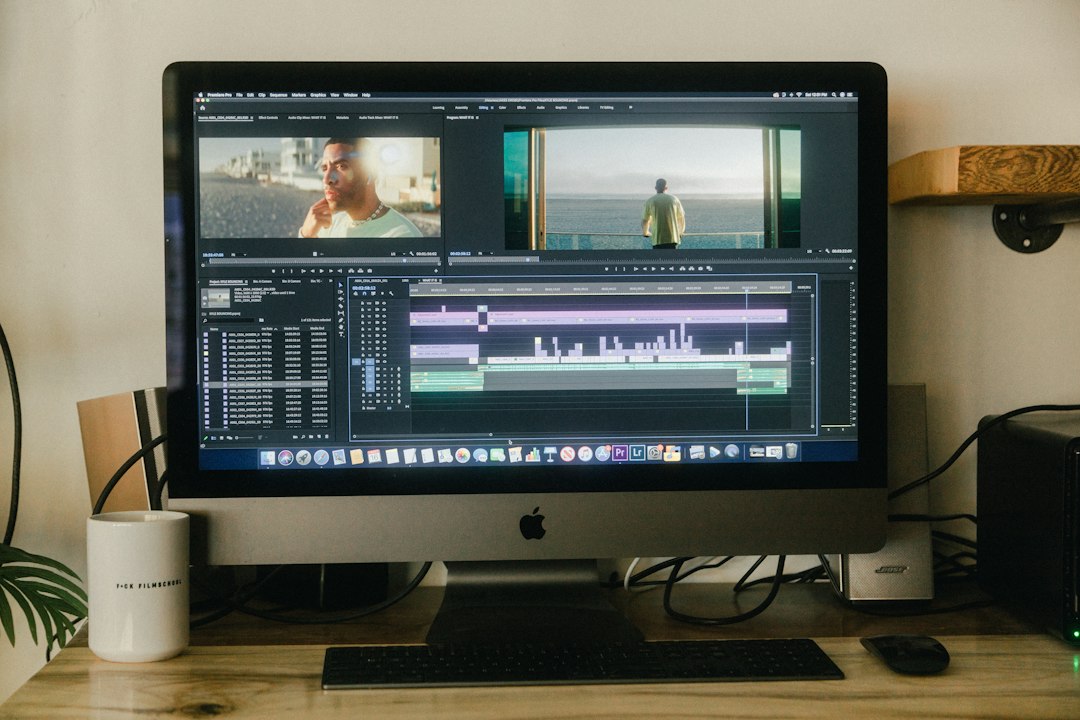
Runway is the tool to try first if you want power. It can turn text into video. It can animate images. It can remove backgrounds. It can extend clips. It feels like a small studio in your browser.
Use it for ads, mood films, product teasers, and social posts. It is great when you already have a strong visual idea. Type the scene. Add style notes. Then tweak until it looks right.
- Best for: creators, agencies, and video teams.
- Strong point: lots of control.
- Weak spot: it can take a few tries to get clean motion.
The catch is… you may burn credits while chasing the perfect shot. A tiny prompt change can shift the whole scene. That is fun. It is also annoying at 11:47 p.m.
2. Pika: Best for quick and playful clips
Pika is fast, bright, and easy to use. It is a strong Mootion AI alternative for people who want results without reading a manual. You can start with a prompt, an image, or a video. Then you can add movement, effects, and edits.
Pika is great for TikTok ideas, meme ads, product reveals, and weird little animations. Want a sneaker to explode into glitter? Easy. Want a cat DJ in a space club? Also easy.
- Best for: social media creators and marketers.
- Strong point: fast idea testing.
- Weak spot: realism can wobble in complex scenes.
If your script is short, Pika makes sense. Break the script into scenes. Make one clip per line. Then stitch them together in your editor.
3. Luma Dream Machine: Best for cinematic motion
Luma Dream Machine is a strong pick when movement matters. It is good at camera pushes, pans, and soft cinematic shots. This makes it useful for story scenes and branded content.
Type a simple prompt like, “a tiny robot walks through a glowing forest at sunrise”. Luma can make it feel like a real camera is moving through the scene. That is its charm.
- Best for: storyboards, film concepts, and mood clips.
- Strong point: smooth camera feel.
- Weak spot: details can change between shots.
Honestly, it feels like the tool knows what “movie magic” means. Then it forgets what your character’s hands should look like. So keep scenes short. Use clear prompts. Save every good result.
4. Synthesia: Best for script to presenter videos
Synthesia is not the wildest tool here. That is the point. It turns scripts into presenter videos with AI avatars and voiceovers. This makes it useful for training, explainers, sales updates, and internal videos.
If Mootion AI feels more visual, Synthesia feels more direct. You paste your script. Pick an avatar. Choose a voice. Add slides. Export. Done.
- Best for: business videos and learning content.
- Strong point: script to video is simple.
- Weak spot: avatar videos can feel stiff if the script is dull.
Use short lines. Write like a person talks. Add pauses. A 60-second script should be around 130 to 150 words. More than that feels rushed.
5. Kaiber: Best for music driven animation
Kaiber is a fun choice for artists, musicians, and visual creators. It turns images, prompts, and audio into stylized video. It shines when you want motion with a strong mood.
Use it for lyric videos, album visuals, abstract promos, and art loops. It is less like a clean business tool. It is more like a visual toy box.
- Best for: music videos, art clips, and bold visual ideas.
- Strong point: strong style.
- Weak spot: not ideal for neat corporate explainers.
Expect to waste time on style tests. Not because the tool is bad. Because it is too tempting. One “quick test” can become 40 minutes of neon dragons and melting city streets.

How to pick the right Mootion AI alternative
Start with your input. That saves time.
- If you have a script: use Synthesia.
- If you have a visual idea: use Runway or Luma.
- If you need social clips: use Pika.
- If you have music: use Kaiber.
- If you need polished ads: use Runway, then edit by hand.
Also think about your final format. A YouTube explainer needs a clear story. A TikTok clip needs a hook in the first two seconds. A training video needs clean audio. Pretty motion is nice. Clear meaning wins.
Simple workflow for better AI video
- Write one sentence for the goal. Example: “Show how this app saves time.”
- Split your script into scenes. Keep each scene short.
- Create visuals one scene at a time. Do not ask for the whole video at once.
- Pick the best clips. Delete the strange ones fast.
- Add captions and sound. This makes videos feel finished.
Mootion AI may be a good starting point. But these five tools give you more options. Use Runway for control. Use Pika for speed. Use Luma for camera feel. Use Synthesia for scripts. Use Kaiber for style. Mix them if you need to. The best AI video tool is the one that gets your idea on screen without making you hate the process.




