
Best quick pick: if Kissflow feels too boxed in, start with monday.com for friendly workflows, Pipefy for approvals, or Zoho Creator for no-code apps. Workflow automation is worth the effort. McKinsey estimates that up to 30% of current work hours in the U.S. could be automated by 2030 [source: McKinsey].
TLDR: Kissflow is good, but it is not the only game in town. If your team handles 200 purchase requests a month, even cutting each approval by 5 minutes saves more than 16 hours. For simple team workflows, try monday.com. For deeper business process management, look at ProcessMaker, Nintex, or Appian.
Kissflow helps teams build workflows without a big dev project. Nice. But teams grow. Rules get weird. Approvals split into five paths. Someone wants a custom app by Friday. That is when alternatives start to look very tempting.
Here are six tools that can replace, support, or outgrow Kissflow.
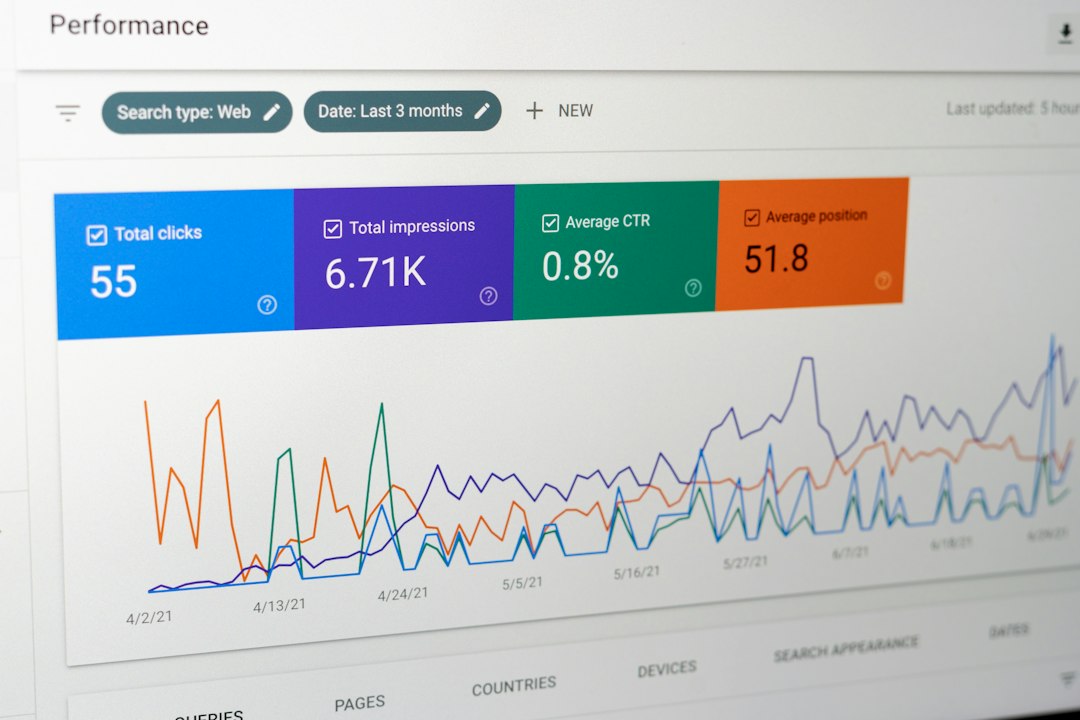
1. monday.com: Best for teams that hate boring tools
monday.com is bright, visual, and easy to use. It works well for marketing requests, hiring steps, client onboarding, and task-heavy workflows.
You build boards. You add statuses. Then you add automations like, “When status changes to approved, notify finance.” Simple stuff. Useful stuff.
Best for:
- Small and mid-sized teams
- Project approvals
- Task tracking with workflow rules
- Teams that want quick setup
Annoying bit: advanced approval logic can get messy. After a while, one board turns into ten boards, and nobody remembers which one is “the real one.”
2. Pipefy: Best for approvals and request management
Pipefy is great when work arrives as requests. Think purchase orders, employee onboarding, vendor approvals, and IT tickets.
It uses forms, cards, phases, and rules. A request moves from step to step. People approve, reject, comment, or send it back. It feels very clear.
Best for:
- Finance approvals
- HR workflows
- Procurement
- Service desks
The catch is that Pipefy can feel narrow if you want to build full internal apps. It shines at process control. It is less exciting as a full app builder.
3. ProcessMaker: Best for serious business process management
ProcessMaker is for teams with bigger process problems. It handles complex routing, approvals, forms, and audits.
This is not just “move a task from left to right.” It can manage deeper flows. Legal review. Risk checks. Multi-step finance approval. Compliance trails. All the fun office stuff nobody wants to do by hand.
Best for:
- Enterprise workflows
- Regulated teams
- Detailed approval rules
- Process mapping
Honestly, it feels like you need a process-minded person nearby. Not always a developer. But someone who enjoys flowcharts more than normal people do.
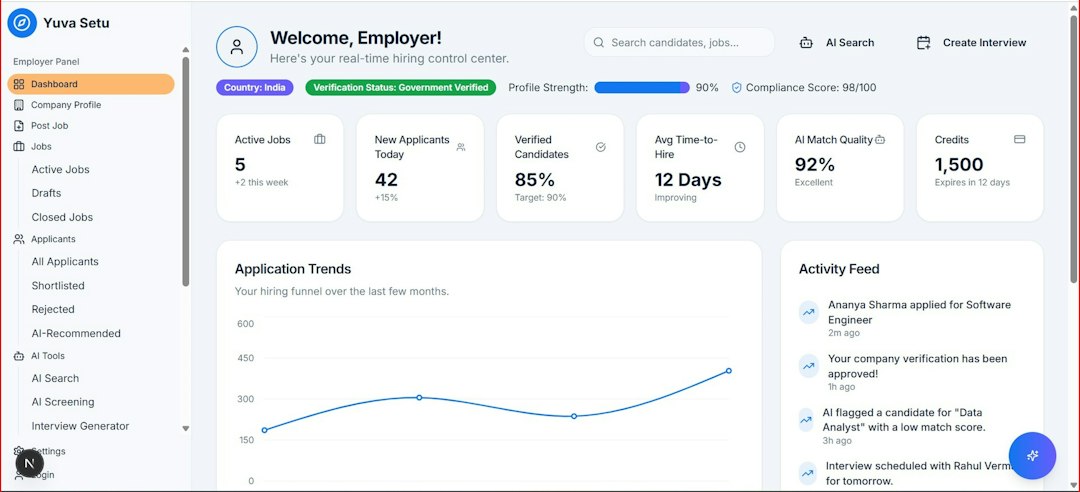
4. Nintex: Best for document-heavy workflows
Nintex is strong in workflow automation, process mapping, forms, and document generation. It is a good fit when approvals come with files, contracts, PDFs, or signed documents.
Sales teams can create contract steps. HR can send offer letters. Operations can track forms and approvals. It can also connect with tools many companies already use.
Best for:
- Document approvals
- Contract workflows
- Process mapping
- Large business teams
Watch out: pricing and setup can feel heavy for smaller teams. If you only need a basic approval form, Nintex may be more machine than you need.
5. Appian: Best for large companies building serious apps
Appian is a low-code platform for big workflows and business apps. It supports case management, rules, data, reports, and automation.
Use it when the process touches many teams. For example, customer service, legal, finance, and operations. It can bring those steps into one system.
Best for:
- Large enterprises
- Case management
- Custom business apps
- Complex approval chains
Expect more planning here. Appian is powerful, but it is not the tool you casually test during lunch. It needs structure. It rewards teams that know what they want.
6. Zoho Creator: Best for no-code custom apps
Zoho Creator is a strong Kissflow alternative if your main goal is building apps. You can create forms, dashboards, portals, reports, and workflows without starting from scratch.
It works well for inventory apps, employee portals, field service tools, and custom admin systems. If your company already uses Zoho apps, it can fit nicely.
Best for:
- No-code apps
- Internal tools
- Custom databases
- Zoho users
Small gripe: the builder has a learning curve. You can build a lot. But the first few hours may include coffee, sighing, and clicking the wrong menu twice.
How to choose the right Kissflow alternative
Pick based on the pain, not the feature list. Feature lists lie by being too long.
- Need simple team workflows? Choose monday.com.
- Need clean approvals? Choose Pipefy.
- Need deep process control? Choose ProcessMaker.
- Need document automation? Choose Nintex.
- Need enterprise apps? Choose Appian.
- Need no-code internal apps? Choose Zoho Creator.
Also ask three basic questions before buying:
- Who owns the workflow? Operations, IT, HR, or everyone?
- How complex are the approvals? One step is easy. Ten steps get spicy.
- Do you need apps or just automation? Those are not always the same thing.
Kissflow is still a solid choice for many teams. But if approvals feel slow, reporting feels thin, or app building feels limited, try one of these options. Start small. Automate one painful process. Then expand once people stop chasing approvals in chat threads.