
Use Indeed first for volume, then use LinkedIn to check people, agencies, and fit. That is the cleanest strategy for finding Child Protective Services jobs without wasting days on weak listings. CPS roles sit inside a broader social services field that is still hiring; the U.S. Bureau of Labor Statistics projects 7% growth for social workers from 2023 to 2033 [source: BLS]. That demand does not mean every posting is good. Some are outdated, vague, or routed through slow government systems.
TLDR: Indeed is usually better for finding active CPS job postings fast. LinkedIn is better for checking the employer, finding current staff, and spotting whether the role has high turnover. For example, a candidate might find 120 CPS-related postings on Indeed in a large state, but only 35 highly relevant ones on LinkedIn. The smart move is to search Indeed daily, then use LinkedIn for research before applying.
Which platform is better for CPS jobs?
Indeed wins for job volume. It pulls listings from state agencies, county departments, nonprofit contractors, staffing firms, and direct employer pages. That matters because CPS roles are often posted under different titles. You may not see “Child Protective Services Investigator” every time. You may see “Family Services Specialist,” “Child Welfare Caseworker,” “Protective Services Worker,” or “Social Services Specialist.”
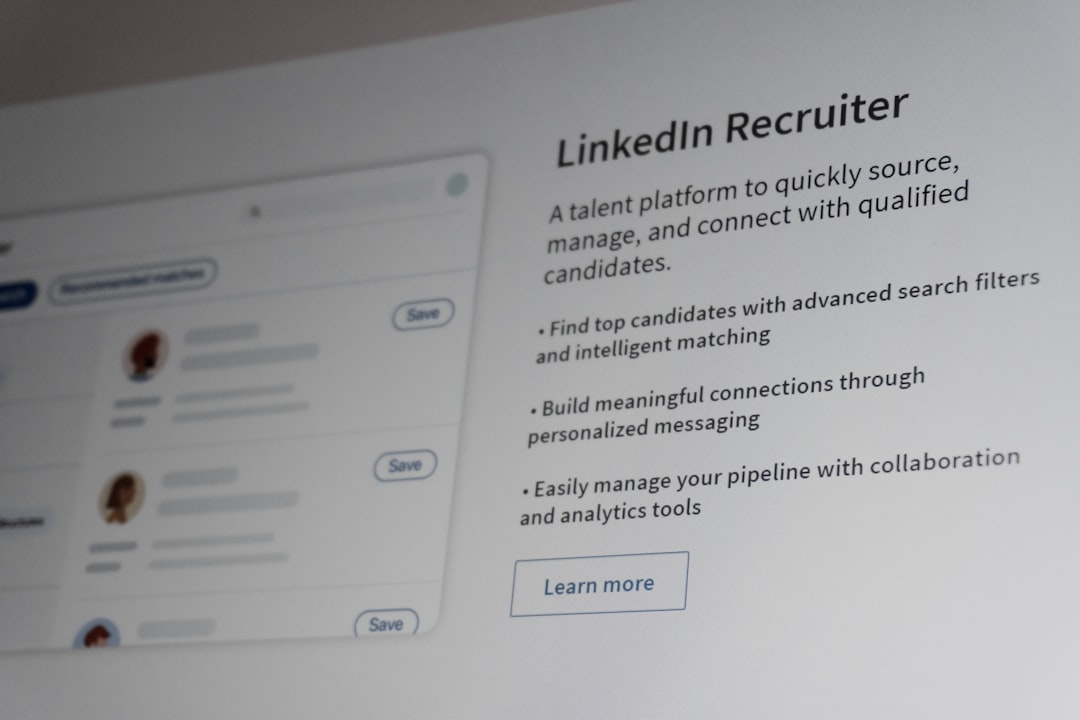
LinkedIn wins for context. It is not always the strongest place for public-sector CPS openings, especially county jobs. Still, it helps you answer key questions. Who works there? How long do they stay? Are supervisors visible? Are former employees describing the work in a way that feels stable, or burned out?
The best answer is not one or the other. Use both, but do not use them the same way.

Indeed: best for finding openings quickly
Indeed is useful because CPS hiring is scattered. One county may post on its own site. Another may post through a state portal. A contractor may post under a private nonprofit name. Indeed often gathers these into one search page, which saves real time.
Search terms matter. Do not only type CPS jobs. Try these:
- Child Protective Services
- Child Welfare Specialist
- Family Services Specialist
- Protective Services Investigator
- Social Services Caseworker
- Dependency Case Manager
- Foster Care Case Manager
Indeed also makes location filtering easy. That is a big deal in CPS work. A job 35 miles away may sound manageable until you add emergency visits, court days, school meetings, home visits, and after-hours calls. Filter by county first, not just city. Many CPS jobs serve a full region.
The catch is that Indeed can be messy. Expect to waste time on duplicate listings, recycled postings, and jobs with thin descriptions. Some listings push you to “apply now,” then send you to a state application portal that asks for the same information again. It feels clunky because it is clunky.
LinkedIn: better for research before you apply
LinkedIn is stronger when you want to understand the agency behind the job. CPS work is hard. Caseload, supervision, court expectations, safety protocols, and training quality can make or break the role. A polished job ad will not tell you much about that.
LinkedIn can help you check:
- Whether the agency has many current CPS workers listed
- How long caseworkers seem to stay
- Whether supervisors have child welfare experience
- Whether the county or agency posts updates about hiring and training
- Whether alumni moved into related jobs, such as school social work or probation
Honestly, it feels like LinkedIn wants every job seeker to act like a personal brand manager. That can be annoying. CPS applicants often just want a clear role, pay range, and shift expectation. Still, the people search is valuable. If a unit has ten employees and seven started in the last year, that may signal growth. It may also signal churn.
Use LinkedIn to search the employer name from an Indeed posting. Then look for current employees with titles like caseworker, investigator, child welfare supervisor, or family services manager. You do not need to message everyone. Just read patterns.

Application quality: where each site falls short
Indeed is built for speed. That can hurt CPS applicants. These jobs often need careful screening. Requirements may include a bachelor’s degree in social work or a related field, a valid driver’s license, background checks, home visit availability, and court-related duties. A quick-apply button can hide those details.
Before applying, open the full employer posting. Save a copy. Pay attention to minimum qualifications. If the agency requires state merit system eligibility or a civil service exam, do not skip that step. Your Indeed application may not count unless the official portal application is complete.
LinkedIn has a different problem. It may show fewer government roles, and some postings are more useful for visibility than direct hiring. You may click “apply” and land on a slow agency page anyway. It drives me crazy when a listing says “remote” but the actual posting requires home visits across three counties. For CPS jobs, “remote” often means paperwork from home, not no fieldwork.
Pay, titles, and location checks
CPS job titles vary a lot by state. One state may call the role Child Protective Investigator. Another may call it Social Service Specialist 1. This is why Indeed often performs better. Its keyword matching catches more variations.
Still, LinkedIn can help you read career ladders. Look at people who started in CPS two to five years ago. Did they become supervisors? Did they move to hospital social work, schools, courts, or nonprofit leadership? That can tell you whether the role builds useful experience.
Salary needs careful review. Do not rely only on the number shown in a search result. Open the full posting and check whether the pay is hourly, annual, probationary, or dependent on licensure. Some roles include overtime, standby pay, mileage reimbursement, or shift differentials. Others do not.
A practical search plan
Use a simple weekly routine. It keeps the process serious and reduces random clicking.
- Monday: Search Indeed using five to seven CPS-related terms. Save strong roles.
- Tuesday: Check official state, county, and city job boards for the same employers.
- Wednesday: Use LinkedIn to research supervisors, current staff, and turnover signals.
- Thursday: Apply through the official employer portal when available.
- Friday: Update your resume with keywords from the best postings.
Keep a spreadsheet with the job title, agency, location, pay range, application link, closing date, and status. CPS jobs may close quickly or sit open for months. A tracker prevents repeat applications and missed deadlines.
Resume tips for CPS searches
Your resume should match the realities of child welfare. Focus on safety, documentation, crisis response, legal awareness, and family engagement. If you have experience in schools, shelters, behavioral health, foster care, juvenile justice, domestic violence services, or case management, make it clear.
Strong phrases include:
- Conducted client assessments and documented service plans
- Coordinated with courts, schools, medical providers, and community agencies
- Managed high-risk cases with accurate and timely records
- Completed home visits and safety planning
- Supported families during crisis situations
Do not oversell. CPS hiring teams know the work is demanding. A calm, accurate resume is better than dramatic language. Show judgment, boundaries, and reliability.
Final recommendation
Start with Indeed if your goal is to find open CPS jobs today. It gives you more postings, broader title coverage, and better location scanning. Use LinkedIn before you apply to study the agency, staff patterns, and career paths.
If you only use Indeed, you may apply faster but miss warning signs. If you only use LinkedIn, you may miss many county and state openings. Together, they work well. Indeed finds the door. LinkedIn helps you decide whether to walk through it.