
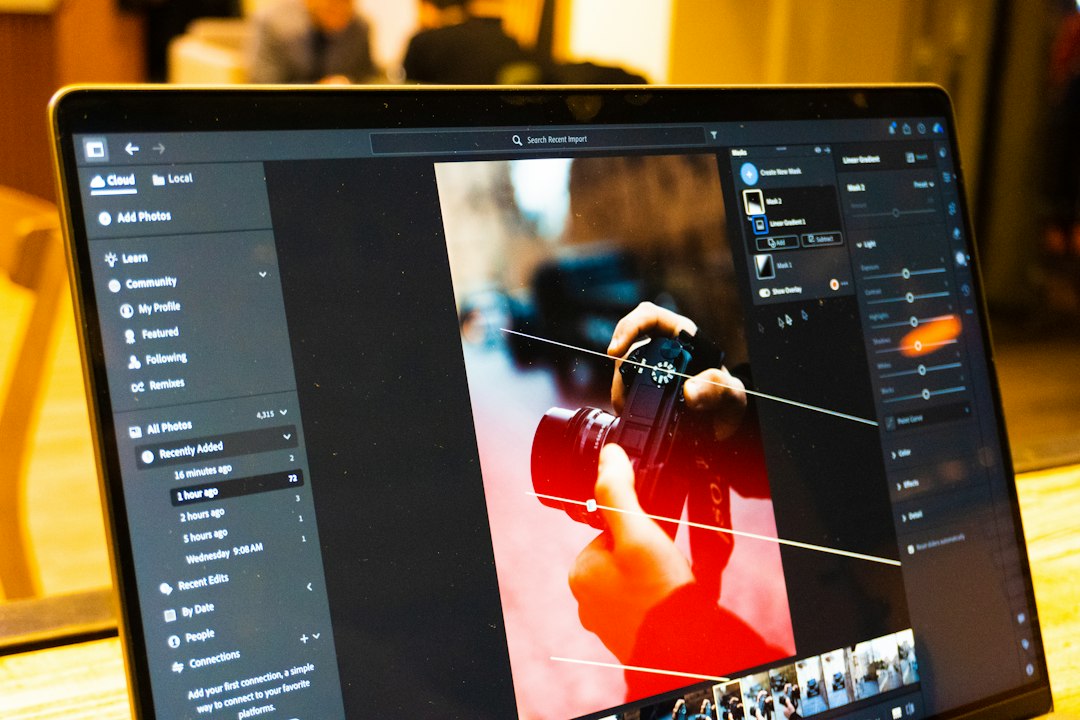
Photopea is not the only serious browser photo editor for PSD files, layers, retouching, and quick design work. The best alternatives are Adobe Photoshop on the web, Pixlr, Canva, Figma, Polarr, Sumo Paint, and Kapwing. Photopea remains popular because it can open formats such as PSD, XCF, Sketch, XD, and CDR in the browser [source: Photopea], but some users need smoother templates, stronger AI tools, team comments, or simpler export options.
TLDR: For PSD-heavy work, Adobe Photoshop on the web is the closest Photopea alternative. For fast social posts, Canva and Pixlr save time because templates and background tools are built in. A small marketing team making 30 product images per week might cut editing time by 20% to 40% by moving basic resize, cleanup, and export tasks into Canva or Pixlr. For interface mockups and shared design reviews, Figma is usually the better pick.
1. Adobe Photoshop on the web
Best for: PSD workflows, professional retouching, and users already paying for Adobe.
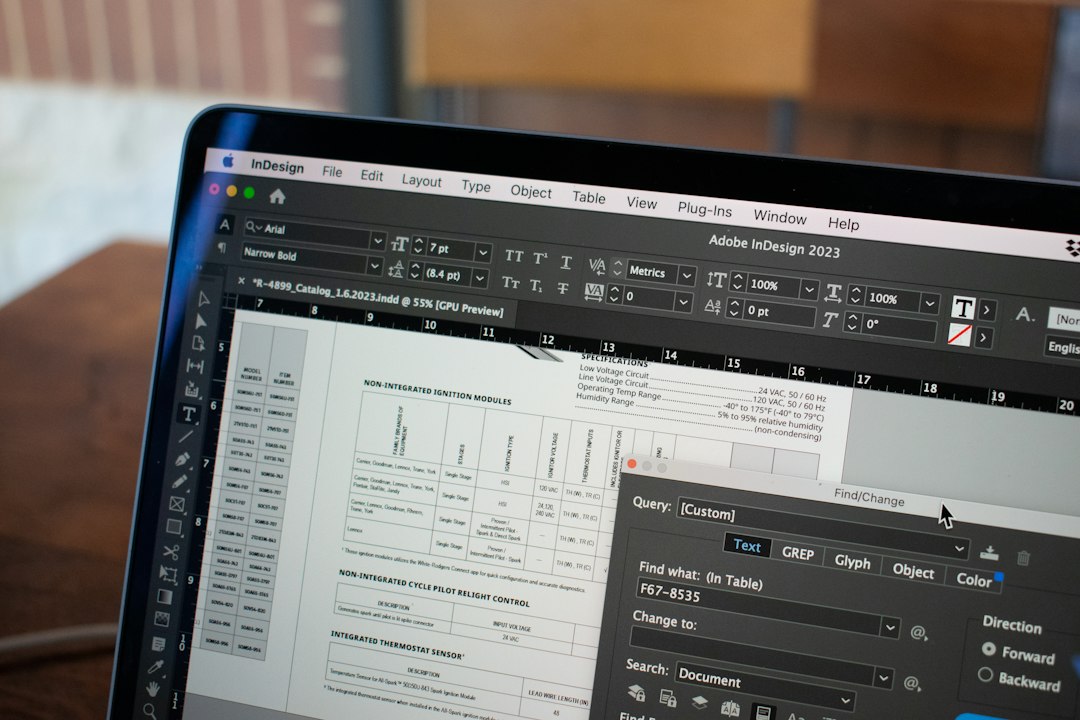
Adobe Photoshop on the web feels like the most natural step away from Photopea for serious PSD work. It supports layered editing, masks, selections, text, and cloud files. The browser version is lighter than the desktop app, but it keeps enough core tools for client edits, product shots, and quick fixes.
The annoying part is the account and subscription setup. A simple edit can feel slower when a user only needs to open one file, adjust a layer, and export. Still, for teams with Creative Cloud, it is the safest choice.
2. Pixlr
Best for: quick edits, AI cleanup, social graphics, and casual layer work.
Pixlr has two main tools: Pixlr E for advanced editing and Pixlr X for faster design. It supports layers, cutouts, filters, overlays, and AI background removal. It can also handle PSD files, though complex files may not always behave like they do in desktop Photoshop.
Pixlr is good when speed matters more than perfect file fidelity. A creator can remove a background, add text, resize for Instagram, and export in minutes. It is not the best for huge layered files, but it covers a lot for a browser tool.
3. Canva
Best for: graphic design, brand kits, templates, and team content.
Canva is not a pure Photoshop replacement. That is fine. It wins because it removes friction from common design tasks. Users get templates, stock photos, fonts, background remover, resize tools, and team folders in one place.
It is especially useful for small businesses that need ads, posters, thumbnails, and pitch decks. It also supports importing PSD files in many cases, though editable results can vary based on layer effects and fonts. Honestly, it feels like Canva cares more about shipping a finished graphic than preserving every tiny layer detail. For many teams, that is a fair trade.
Image not found in postmeta4. Figma
Best for: interface design, layout work, shared comments, and design systems.
Figma is strong for browser-based design, but it is not built for deep photo retouching. Its real value is collaboration. Designers, developers, and clients can comment on the same file without sending endless versions named “final final 3.”
Layers, components, grids, and reusable styles make Figma ideal for web pages, app screens, banners, and UI kits. PSD imports usually need conversion through plugins or extra steps, so it is not the best pick for heavy Photoshop files. For design systems, it is excellent.
5. Polarr
Best for: photo correction, color grading, portraits, and batch-style edits.
Polarr focuses on the photo editing side. It offers filters, face tools, color controls, masks, overlays, and local adjustments. It feels closer to Lightroom than Photopea.
Photographers and creators can use it for portraits, travel shots, product photos, and consistent color styles. It is not the tool for complex PSD layouts or poster design. Still, when a user needs better skin tone, cleaner shadows, or a sharp color grade, Polarr is fast and clean.
6. Sumo Paint
Best for: painting, drawing, simple layer edits, and school-friendly creative work.
Sumo Paint is a browser-based editor with brushes, shapes, gradients, effects, and layers. It has a playful feel, but it is more capable than it first appears. It works well for digital painting, simple graphics, and light image edits.
It is less suited for strict PSD production. Advanced Photoshop users may miss detailed controls and smoother file handling. The upside is that Sumo Paint loads quickly and feels easy for beginners. It is a nice choice for students, hobby artists, and quick visual ideas.
7. Kapwing
Best for: graphics mixed with video, memes, captions, thumbnails, and creator content.
Kapwing is not a classic photo editor, but it deserves a place here because modern design often mixes still images, video, text, and audio. It runs in the browser and includes layers on a timeline, templates, background tools, subtitles, resizing, and exports for social platforms.
It works best for creators who make YouTube thumbnails, short clips, ad visuals, and meme-style posts. It drives people a little crazy when a simple image job turns into timeline editing, but for content teams, that timeline is useful.
Which Photopea alternative is best?
- Best overall PSD alternative: Adobe Photoshop on the web.
- Best free or low-cost quick editor: Pixlr.
- Best for marketing graphics: Canva.
- Best for UI and shared design: Figma.
- Best for photo color work: Polarr.
- Best for drawing: Sumo Paint.
- Best for social video plus images: Kapwing.
For most users, the smart move is not replacing Photopea with one tool. It is matching the tool to the job. PSD edits belong in Photoshop on the web or Pixlr. Brand posts belong in Canva. App layouts belong in Figma. Photo retouching belongs in Polarr.
FAQ
What is the best Photopea alternative for PSD files?
Adobe Photoshop on the web is the best choice for PSD files. Pixlr can also work for many PSD edits, but complex layers may give mixed results.
Is there a free browser-based Photoshop alternative?
Pixlr, Sumo Paint, and some parts of Canva offer free browser editing. Free plans may include ads, export limits, or fewer AI tools.
Which tool is best for retouching portraits?
Polarr is strong for portrait correction and color work. Photoshop on the web is better when the retouching needs masks, layers, and detailed edits.
Which Photopea alternative is best for teams?
Figma is best for design reviews and UI work. Canva is better for marketing teams that need templates, brand kits, and fast approvals.
Can browser editors fully replace desktop Photoshop?
Sometimes, but not always. Browser tools are great for quick edits, social graphics, and light PSD work. Large files, advanced masks, print production, and heavy retouching still favor desktop software.




