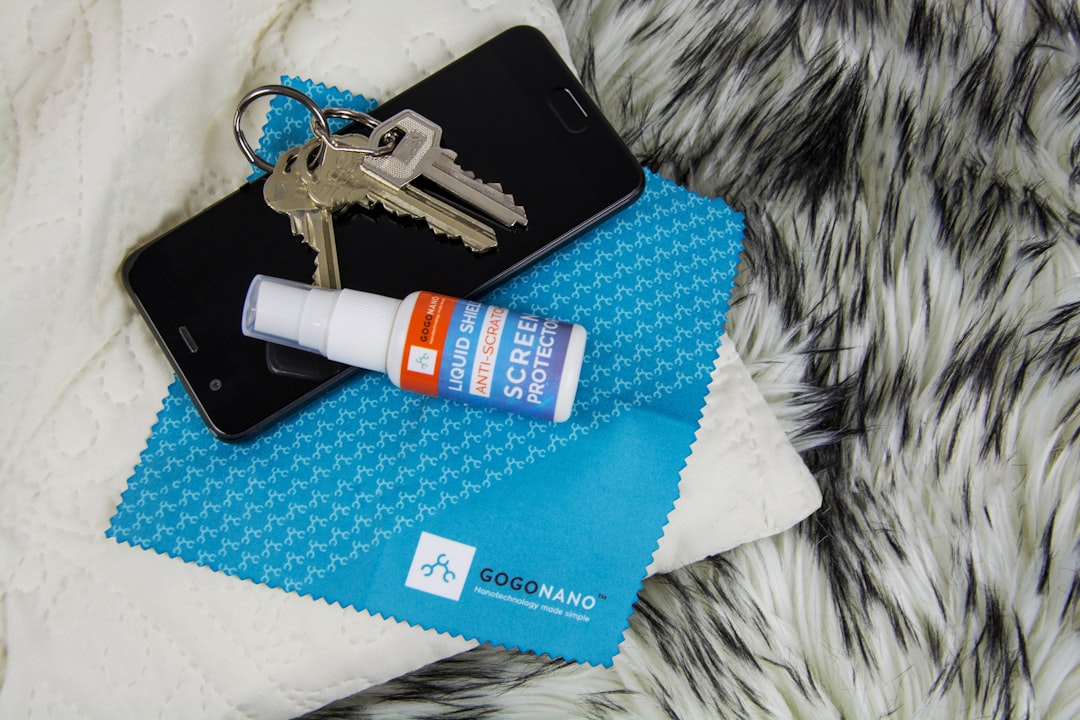
Use a clean microfiber cloth, a little distilled water, and straight strokes from the center to the edge. That fixes most dirty DVDs without drama.
TLDR: Most DVD playback problems come from dust, fingerprints, or light smudges, not a “dead” disc. In a simple home case, cleaning 10 skipping DVDs with microfiber cloth and distilled water made 8 play normally again in under 15 minutes. For example, if a movie freezes at the same scene every time, clean the disc first before blaming the player. Avoid paper towels, window cleaner, and circular rubbing.
What Is a DVD Cleaner?
A DVD cleaner is any product used to clean a DVD disc or DVD player. Some clean the disc surface. Some clean the player lens. Some are useful. Some are just fancy bottles with big promises.
Honestly, it feels like half the “miracle” disc cleaners are just mild liquid and a cloth in a shiny box. That is not always bad. But you should know what you are buying.
The main goal is simple. Remove dirt without scratching the plastic layer. That plastic layer protects the data layer under it. Scratch it badly, and your movie night may become a menu screen forever.
Best DVD Cleaning Products
You do not need a lab kit. You need gentle tools.
- Microfiber cloth: The best basic tool. Soft, cheap, and safe.
- Distilled water: Great for dust and light marks. It leaves fewer spots than tap water.
- DVD cleaning spray: Good for greasy fingerprints. Pick alcohol-free or disc-safe formulas.
- 70% isopropyl alcohol: Useful for stubborn grime. Use a tiny amount. Do not soak the disc.
- Manual disc cleaner: A small device with pads inside. Handy for kids’ movie collections.
- DVD lens cleaner disc: Cleans the player’s laser lens. Use only when the player struggles with many discs.
Avoid rough cloth. Avoid tissues. Avoid napkins. They feel soft, but they can scratch. It drives me crazy that one “quick wipe” with a paper towel can turn a tiny smudge into a permanent problem.
How to Clean a DVD Safely
This is the safe method. It is simple. It works.
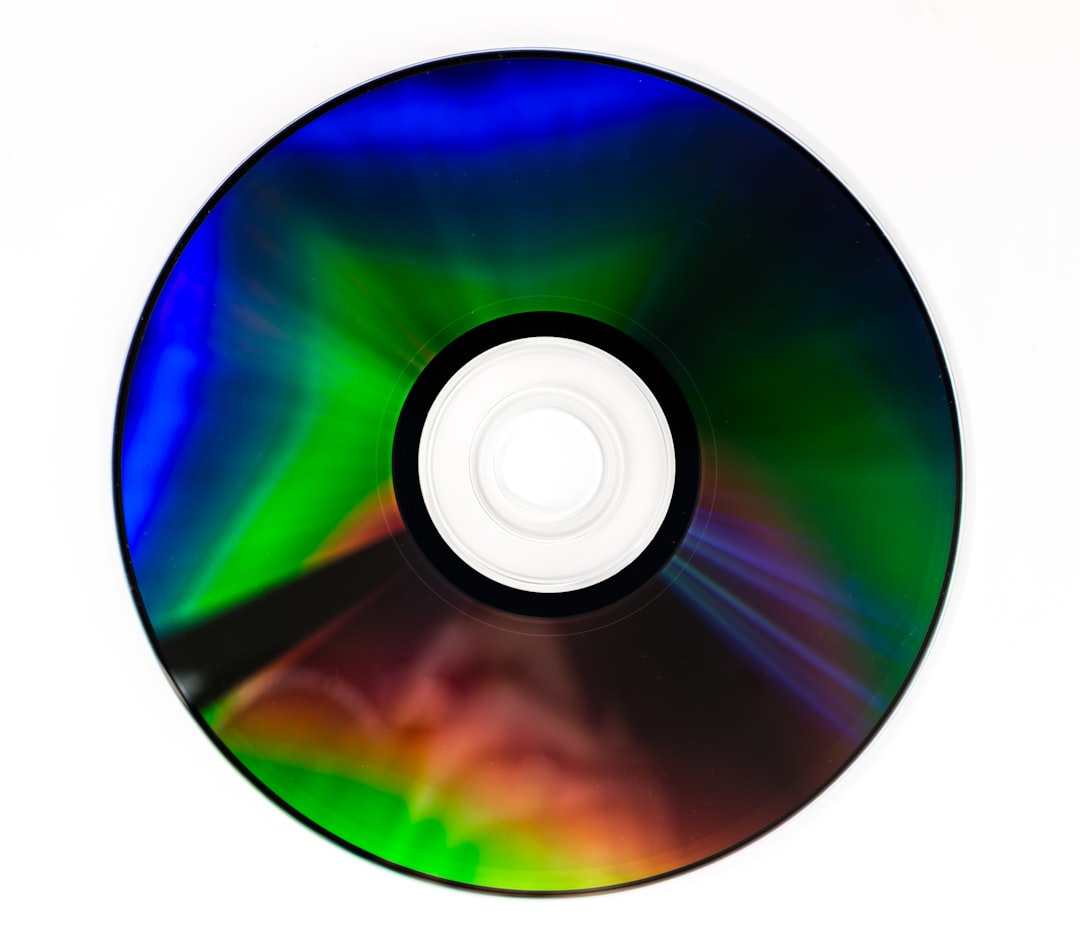
- Hold the DVD by the edges. Do not touch the shiny side.
- Blow off loose dust. Use a camera air blower if you have one.
- Dampen a microfiber cloth. Use distilled water. Damp, not wet.
- Wipe from the center hole to the outer edge. Use straight lines.
- Repeat around the disc. Turn the disc as you go.
- Dry with another microfiber cloth. Again, wipe straight outward.
- Wait one minute. Let any moisture vanish before playing.
Do not wipe in circles. DVDs are read in circular tracks, and circular scratches can cause more trouble. Straight scratches are less likely to ruin long sections of data.
What Not to Use on DVDs
Some cleaners belong far away from your movie shelf.
- Window cleaner: Too harsh for many discs.
- Bleach: No. Just no.
- Furniture polish: Leaves slick residue.
- Toothpaste: Sometimes suggested online, but risky. It is abrasive.
- Paper towels: Tiny scratches waiting to happen.
- Hot water: Heat can warp the disc.
If a cleaner smells strong, pause. DVDs do not need perfume, ammonia, or mystery chemicals. They need gentle care.
How to Fix Fingerprints and Greasy Spots
Fingerprints are sneaky. They bend light and confuse the laser. A disc can look almost clean and still skip.
For greasy marks, use one drop of disc-safe spray or a little 70% isopropyl alcohol on the cloth. Never pour liquid straight on the DVD. Wipe from center to edge. Dry right away.
If the mark remains, repeat once. Do not scrub like you are cleaning a frying pan. DVDs are not pans. They are tiny shiny drama queens.
What About Scratches?
Cleaning removes dirt. It does not erase deep scratches. Light scratches may be helped by a disc repair machine. These machines polish the plastic surface. Many game shops, libraries, and media stores have them.
Deep cracks, label-side scratches, or peeling layers are worse. The label side is more fragile than people think. Damage there can hit the data layer. If light shines through a scratch on the label side, the disc may be beyond saving.
When the DVD Player Is the Problem
If one DVD skips, clean the DVD. If many DVDs skip, suspect the player.
Dust can settle on the laser lens inside the player. A DVD lens cleaner disc can help. It looks like a normal disc but has tiny brushes. You insert it and run the cleaning track.
Use it only as directed. Too much lens cleaning can wear parts over time. If the player takes 20 seconds longer than usual to load every disc, or if it says “No Disc” a lot, the lens may be dirty. The player may also be aging.
Disc Care Rules That Prevent Skips
Good care saves future cleaning time. It also saves your favorite concert DVD from becoming a coaster.
- Store DVDs in cases. Sleeves are okay, but hard cases are better.
- Keep discs vertical. Like books on a shelf.
- Avoid heat. Cars, radiators, and sunny windows are bad news.
- Keep food away. Pizza grease and DVDs are not friends.
- Use the center hole and edges. No shiny-side fingers.
- Label only with disc-safe markers. Never use ballpoint pens.
Kids’ DVDs need extra help. Put favorite discs in backup cases. Teach the “edge hold” rule. Make it a game. “No thumbprints on the shiny moon.” Silly works.
Quick Troubleshooting Guide
Use this simple checklist before you give up.
- Disc skips at one scene: Clean the disc and check for scratches.
- Disc will not load: Try another player. Then inspect the disc.
- Many discs fail: Clean the player lens.
- Picture freezes after 30 minutes: Player may be overheating. Give it air.
- Disc looks cloudy: Clean with distilled water and microfiber.
- Disc has sticky residue: Use a tiny amount of isopropyl alcohol on cloth.
How Often Should You Clean DVDs?
Clean a DVD only when it needs it. Too much cleaning adds wear. If the disc plays fine, leave it alone.
For shared discs, such as classroom DVDs or family movie-night favorites, a light wipe every few uses is fine. For stored discs, check them once or twice a year. Dust the cases too. Dust always finds a way in. Rude, but true.
Final Tips for Happy Playback
Start gentle. Use microfiber and distilled water first. Move to cleaning spray only if needed. Use alcohol only for tough grime. Save repair machines for scratches.
A clean DVD should look smooth, dry, and free of streaks. A clean player should load discs without grinding, clicking, or long delays. Keep discs cool. Keep them covered. Keep snacks nearby, but not on the shiny side.
DVDs may be old-school, but they still deserve care. Treat them well, and they can keep the movie magic going for years.