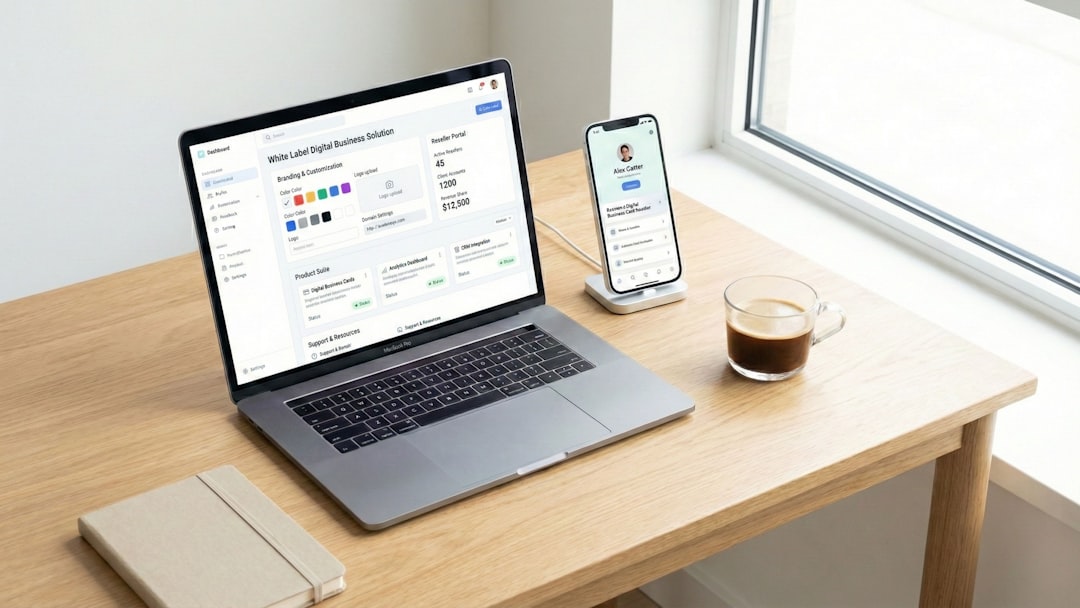
Imagine a vending machine for software. You walk up, pick what you need, pay, and start using it. No sales calls. No long demos. No waiting for someone to “set things up.” That is the magic of self service SaaS.
TLDR: Self service SaaS is software you can find, buy, set up, and use on your own. For example, a small bakery can sign up for an email marketing tool, upload 500 customer emails, and send its first campaign in under 30 minutes. Many self service SaaS companies aim to let users reach their “aha moment” within the first 5 to 10 minutes. The faster users see value, the more likely they are to stay.
What Is Self Service SaaS?
SaaS means Software as a Service. It is software that lives online. You do not install a giant program from a disc. You open your browser, log in, and use it.
Self service SaaS means users can do almost everything by themselves. They can sign up. They can choose a plan. They can enter payment details. They can learn the tool. They can upgrade or cancel. All without talking to a salesperson or support agent.
It is like ordering food from an app. You browse the menu. You choose your meal. You pay. You track the delivery. Simple.
Common examples include:
- Email marketing tools
- Project management apps
- Design platforms
- Accounting tools
- Customer chat software
- File storage services
The main idea is this: the user is in control.
How Does Self Service SaaS Work?
Self service SaaS follows a simple journey. It is built to feel easy. Almost like a game level. Each step leads to the next.
1. A User Finds the Tool
The user may find the tool through Google, social media, a blog post, a video, or a friend. Maybe they search for “best invoice software” or “easy team calendar.”
The website must explain the product fast. No mystery. No fancy fog. Users want to know:
- What does this do?
- Who is it for?
- How much does it cost?
- Can I try it now?
2. The User Signs Up
A good self service product has a quick signup. Usually it asks for a name, email, and password. Sometimes it allows login with Google or another account.
The goal is to remove friction. Fewer fields are better. Nobody wants to fill out a form that feels like a tax return.
3. The User Gets Onboarded
Onboarding is the first tour. It helps the user understand what to do next.
This can include:
- A welcome screen
- A short checklist
- Tooltips
- Sample data
- Short videos
- Helpful empty states
Good onboarding does not shout. It guides. It says, “Click here first.” Then, “Great job. Now try this.”
The goal is to help users reach the aha moment. That is the moment when they think, “Oh! This can help me.”
4. The User Tries the Product
Many self service SaaS tools offer a free trial or a free plan. This lets people test the product before paying.
There are two popular models:
- Free trial: Use the full product for 7, 14, or 30 days.
- Freemium: Use a limited version for free forever.
Both models let users explore. They can click buttons. Build something. Invite a teammate. Make a mistake. Fix it. Learn by doing.
5. The User Pays or Upgrades
When the user sees value, they may upgrade. This usually happens inside the app. They pick a plan, add a card, and continue working.
The pricing page should be clear. Users should understand the difference between plans. No hidden traps. No sneaky fees.
For example:
- Starter: Great for one person.
- Team: Great for small teams.
- Business: Great for larger companies.
Simple pricing builds trust. Confusing pricing makes people run away like they saw a spider in the bathtub.
6. The Product Supports the User
Self service does not mean “no help.” It means help is easy to find.
Support can include:
- A help center
- FAQs
- Chatbots
- Community forums
- Product tips
- Email support
The best self service tools answer questions before users ask them. They explain errors. They suggest next steps. They make users feel smart.
Why Is Self Service SaaS Popular?
People like speed. They do not want to wait three days for a demo. They want to click, try, and decide.
Businesses also like it. Self service SaaS can grow fast because it does not need a huge sales team for every customer. One product can serve 100 users or 100,000 users.
It is also great for small businesses. A tiny startup can use the same kind of tools as a large company. That is powerful.
Here are the big benefits:
- Fast access: Users can start right away.
- Lower cost: Sales and setup costs are lower.
- Easy testing: Users can try before buying.
- Scalable growth: The product can serve many people at once.
- User control: Customers can manage their own accounts.
A Simple User Case Scenario
Meet Mia. She runs a small dog grooming business. She has 320 customers. She wants to send appointment reminders and cute dog birthday emails.
Mia finds an email SaaS tool. She signs up in 2 minutes. She imports her contact list in 4 minutes. She picks a template in 3 minutes. She sends her first email in 18 minutes total.
After one month, she sees that 42% of customers opened her reminder emails. Missed appointments drop by 25%. Mia upgrades to a paid plan because the tool saves her time and money.
That is self service SaaS doing its job. No drama. No giant contract. Just value.
What Makes a Great Self Service SaaS Product?
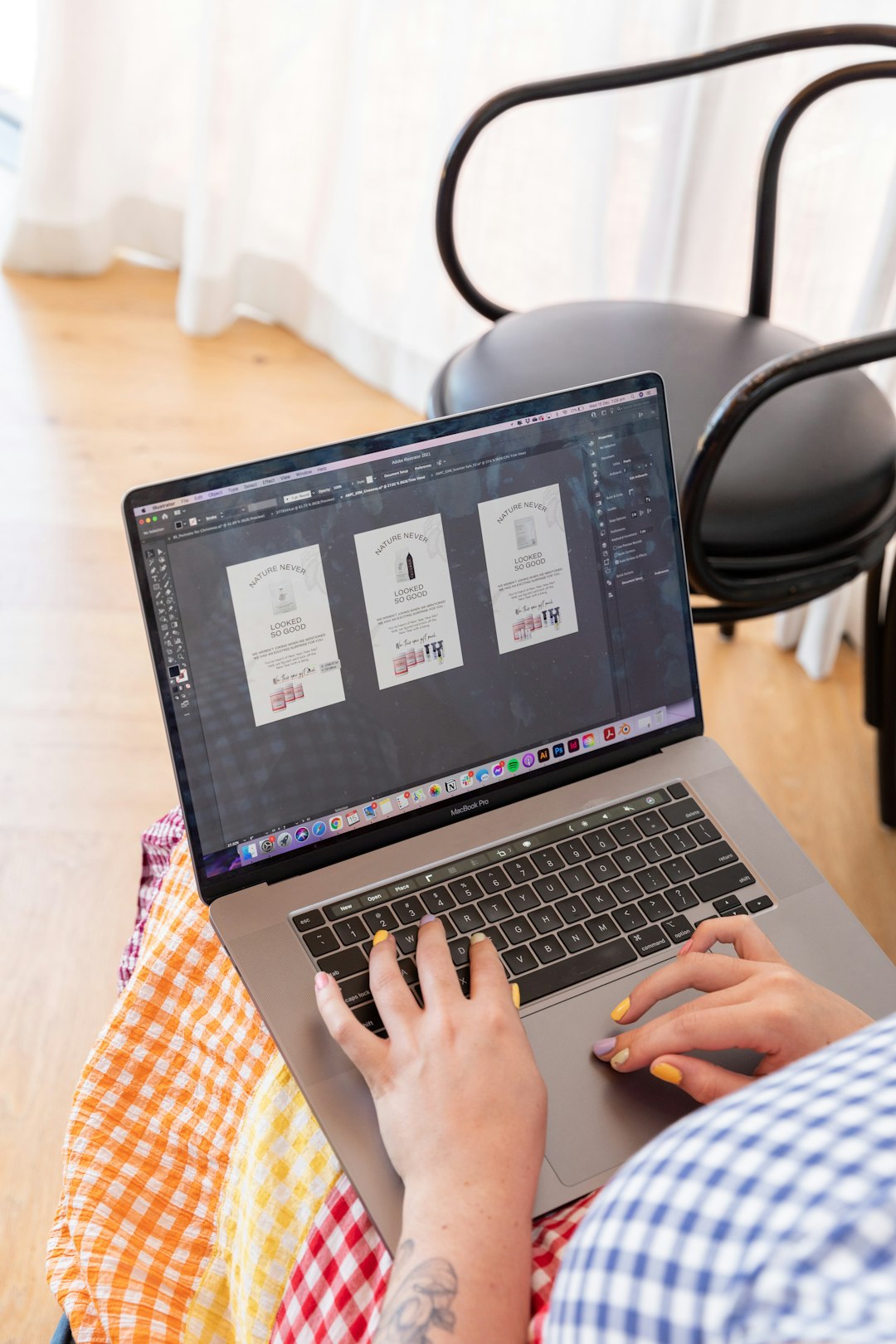
A great self service SaaS product feels friendly. It does not require a manual the size of a brick.
It usually has these features:
- Clear website: Users understand the product quickly.
- Simple signup: The process is short and smooth.
- Helpful onboarding: New users know what to do first.
- Easy navigation: Buttons and menus make sense.
- Fast value: Users get results quickly.
- Useful support: Help is easy to find.
- Clear billing: Plans and payments are simple.
The product should feel like a helpful guide. Not a maze. Not a puzzle box. Not a spaceship control panel.
What Are the Challenges?
Self service SaaS is powerful, but it is not magic fairy dust. It has challenges.
First, users can leave quickly. If they get confused, they may close the tab and never return.
Second, the product must explain itself well. There may be no salesperson to answer questions in real time.
Third, onboarding must be excellent. If users do not reach value fast, they may not pay.
Fourth, support content must stay updated. Old help articles are like old maps. They send people into lakes.
Self Service SaaS vs. Sales Led SaaS
In sales led SaaS, customers often talk to a sales team before buying. This works well for expensive or complex products.
In self service SaaS, customers can buy on their own. This works well for simple, affordable, and easy-to-start products.
Many companies use both. Small teams can self serve. Large companies can talk to sales. This hybrid model gives everyone a path.
Final Thoughts
Self service SaaS is software that lets users help themselves. It is fast, flexible, and friendly when done well.
The best products make the journey feel simple. Find it. Try it. Learn it. Love it. Pay for it if it helps.
At its heart, self service SaaS is about trust. The company trusts users to explore. Users trust the product to guide them. When that works, software feels less like work and more like a very useful vending machine.