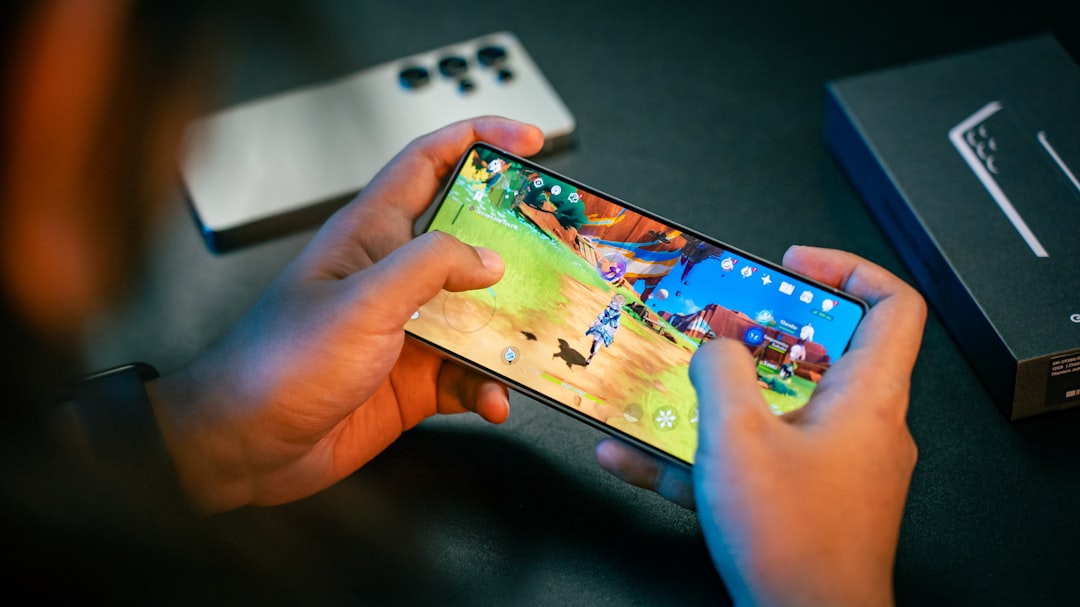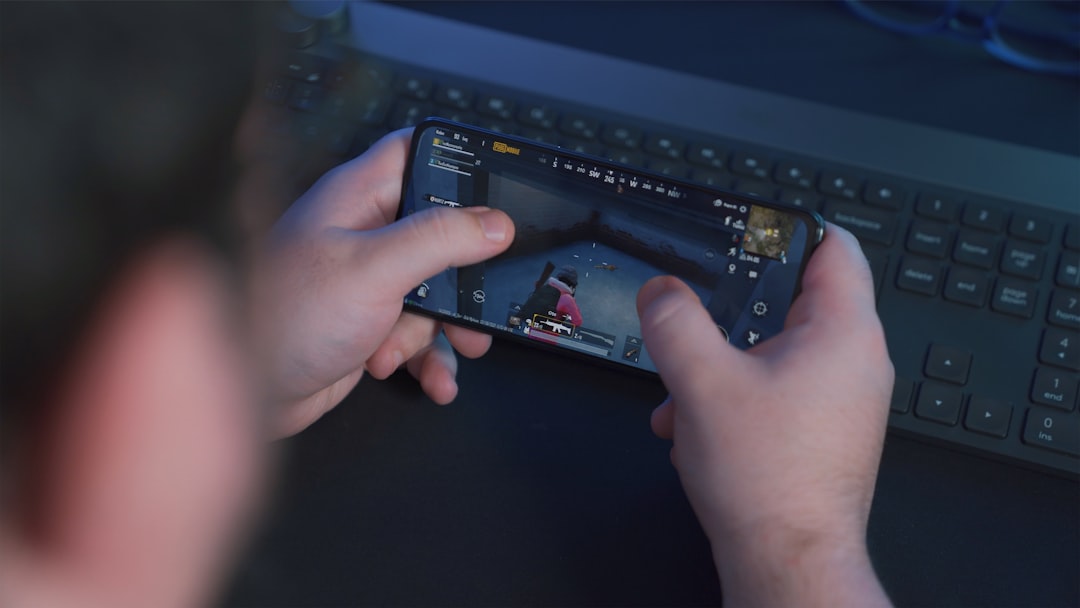
Use short vertical videos for most Instagram posts: 15 to 60 seconds is the sweet spot for Reels, Stories, and feed content. Instagram allows longer videos in some places, but shorter clips usually get more complete views. Think quick hook, fast payoff, clean ending.
TLDR: Reels can usually run up to 90 seconds when made in the app, while some uploaded videos can be longer. Stories are best kept to 60 seconds or less, and Live can run for up to 4 hours. For example, a coffee shop posting a 22-second Reel showing a latte pour may see stronger watch-through than a 3-minute behind-the-scenes clip. If 5,000 people watch and 38% finish it, that gives the algorithm a much clearer “people like this” signal.
Instagram Video Length Limits at a Glance
Here is the simple version. Save this list before Instagram changes something again. Honestly, it feels like the rules move every time you finally remember them.
- Instagram Reels: commonly up to 90 seconds in the app. Some uploads may support longer videos, often up to 15 minutes.
- Instagram Stories: up to 60 seconds per Story clip.
- Instagram Feed videos: often support longer uploads, but many videos under 15 minutes may be treated as Reels.
- Instagram Live: up to 4 hours.
- Carousel video slides: keep each clip short, ideally under 60 seconds.
The safest plan is easy. Make videos under one minute unless you have a strong reason not to.
Instagram Reels Length
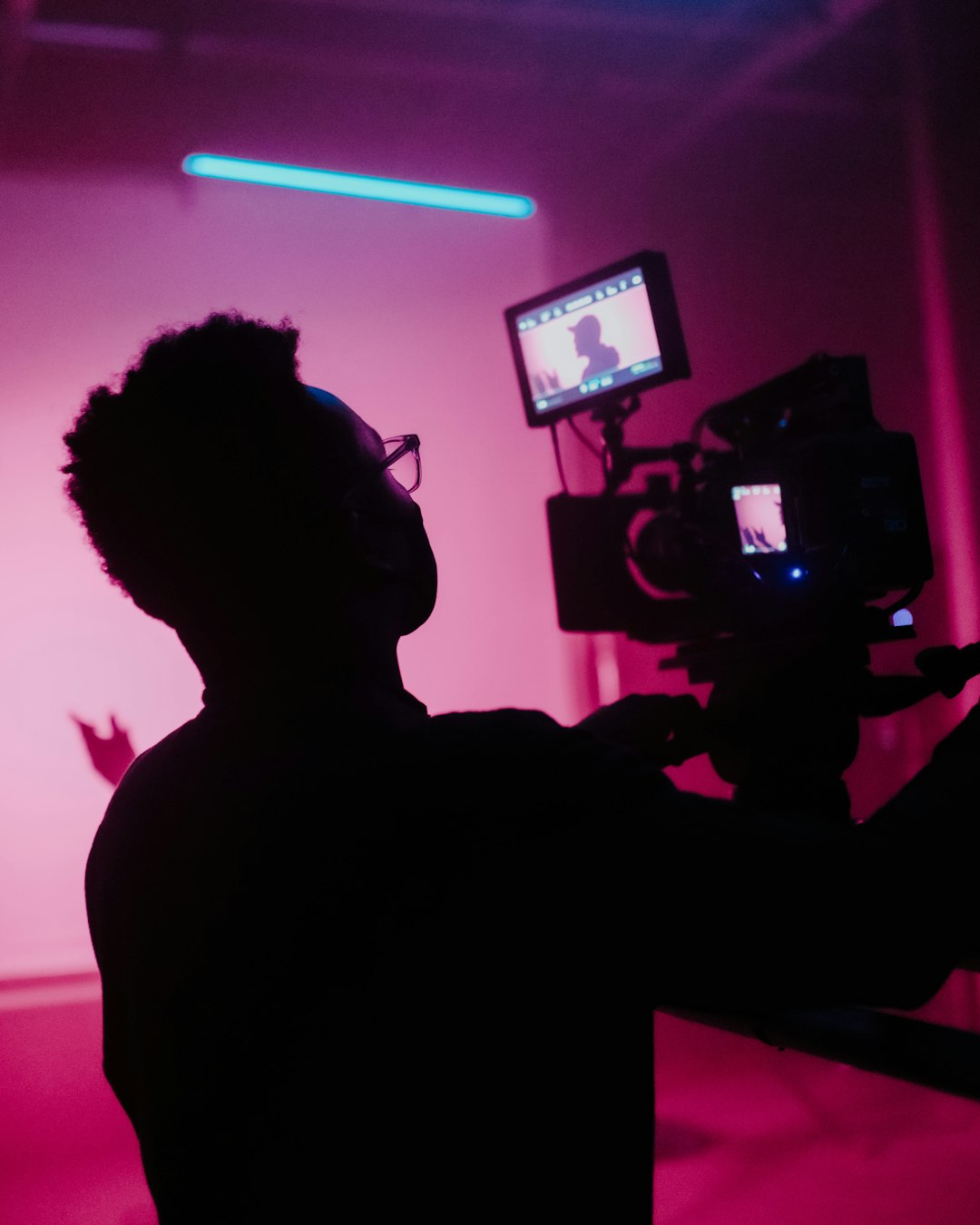
Reels are Instagram’s main video format. They show in the Reels tab, feed, profile grid, and Explore. So yes, they matter.
Most creators should aim for 7 to 45 seconds. That sounds tiny. But it works. People are scrolling with one thumb and zero patience.
Use this guide:
- 7 to 15 seconds: quick jokes, product reveals, tips, transitions, memes.
- 15 to 30 seconds: tutorials, recipes, mini reviews, before and after clips.
- 30 to 60 seconds: storytelling, education, demos, customer proof.
- 60 to 90 seconds: deeper tips, interviews, explainers, strong story posts.
- Over 90 seconds: use only if the content truly earns that time.
The catch is that Instagram may let some accounts upload longer videos as Reels, but not every editing flow acts the same. A 3-minute upload might work from your camera roll. The same clip may be annoying to trim inside the app. Expect to waste 30 seconds tapping around if your video is near the limit.
Instagram Stories Length
Stories are built for quick updates. They disappear after 24 hours unless you save them to Highlights.
Each Story video can be up to 60 seconds. If your video is longer, Instagram may split it into parts. This is useful, but not always pretty. Cuts can happen at awkward spots. Your sentence may get sliced in half. Great. Love that.
For Stories, shorter is better:
- 5 to 10 seconds: polls, quick offers, reposts, reactions.
- 10 to 30 seconds: daily updates, product teasers, short talking clips.
- 30 to 60 seconds: announcements, mini tutorials, event recaps.
Add captions when someone is talking. Many people watch Stories with sound off. Use stickers too. Polls, quizzes, sliders, and question boxes can turn a passive viewer into an active one.
Instagram Feed Video Length
The feed is no longer just square brunch photos. Feed video still matters, but Instagram often pushes videos into the Reels system. In many cases, videos under 15 minutes may appear as Reels.
For feed-first content, aim for 30 seconds to 2 minutes. This gives you room to explain something without boring everyone into a thumb swipe.
Good feed video ideas include:
- Product demos with clear steps.
- Customer stories with real results.
- Brand messages that need more than a few seconds.
- Educational clips with a strong opening line.
Put the best part first. Do not build slowly. Instagram is not a movie theater. Start with the result, the problem, or the surprise.
Instagram Live Length
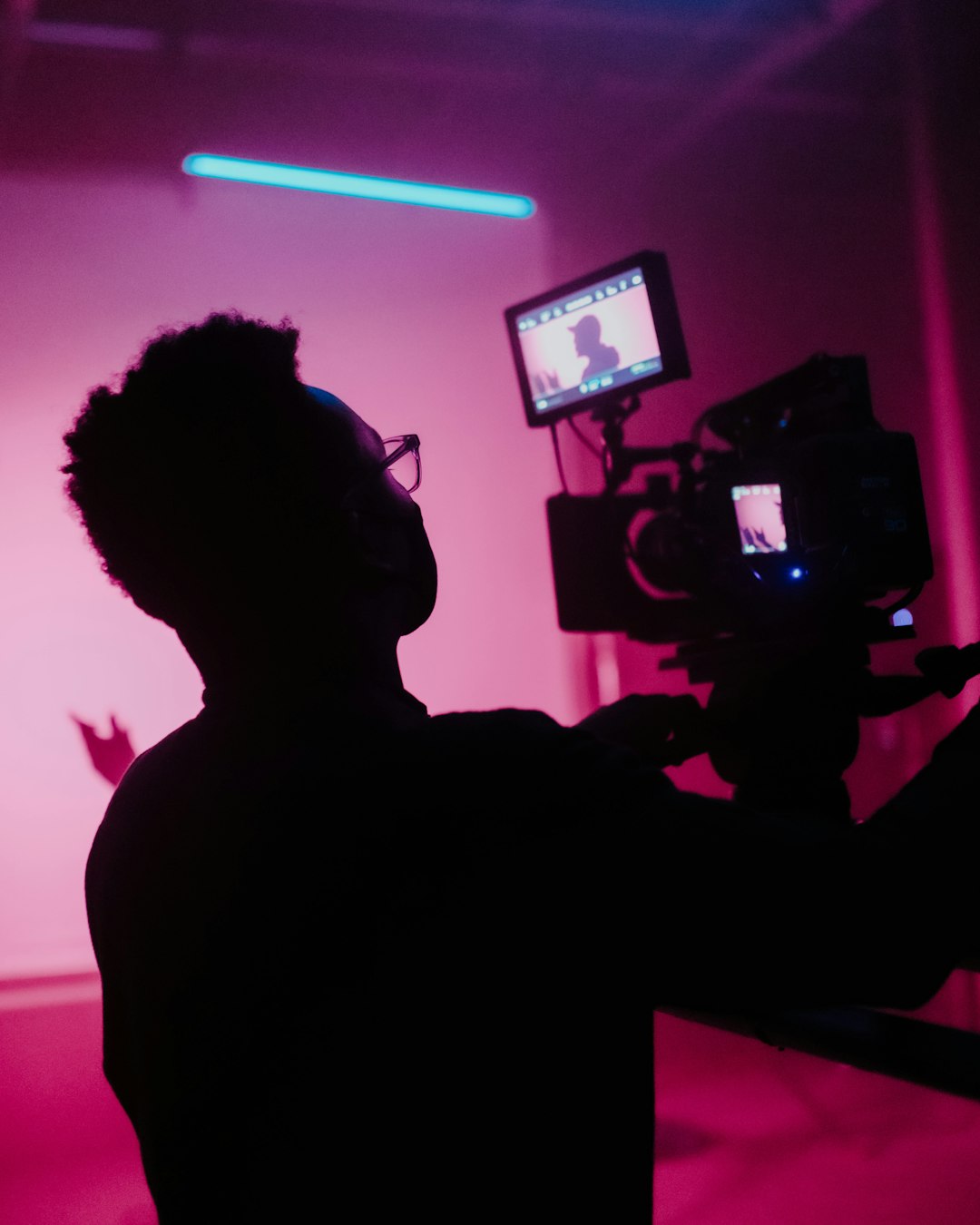
Instagram Live can run for up to 4 hours. That is a lot of talking. Please hydrate.
Live video is best for real-time connection. Use it for Q&A sessions, launches, interviews, workshops, and events. You do not need to use the full limit. In fact, most Lives work well at 15 to 45 minutes.
Try this simple Live structure:
- First 2 minutes: welcome people and say the topic.
- Next 10 to 25 minutes: teach, show, interview, or demo.
- Final 5 minutes: answer questions and give the next step.
If the replay is worth saving, share clips later as Reels. One Live can become five short videos. That is smart content recycling, not laziness.
Best Instagram Video Format
Use vertical video whenever possible. The best size for Reels and Stories is 1080 x 1920 pixels. That is a 9:16 aspect ratio.
Here are the common formats:
- Reels: 9:16, 1080 x 1920 pixels.
- Stories: 9:16, 1080 x 1920 pixels.
- Feed portrait: 4:5, often 1080 x 1350 pixels.
- Feed square: 1:1, often 1080 x 1080 pixels.
- Feed horizontal: 1.91:1, but use this only when needed.
Use MP4 or MOV files. MP4 is usually the easiest choice. For smoother uploads, use H.264 video and AAC audio.
Keep your file under 4 GB if possible. Smaller files upload faster and fail less often. Giant files are where patience goes to die.
Safe Zones for Text
Do not place text too close to the edges. Instagram adds buttons, captions, usernames, and icons over your video. Your perfect headline can get buried under the Like button. Painful.
Keep key text near the center. Leave extra space at the top and bottom. This is extra important for Reels and Stories.
A simple rule works well:
- Keep faces in the middle.
- Place captions above the bottom buttons.
- Do not put logos in corners.
- Preview before posting.
How Long Should Your Instagram Video Be?
The best length depends on the job. Do not make a 90-second video if a 12-second clip can do the job better.
- For reach: use short Reels, around 7 to 20 seconds.
- For trust: use 30 to 90 seconds.
- For teaching: use 45 seconds to 3 minutes, if your upload option allows it.
- For selling: use 15 to 45 seconds with one clear offer.
- For community: use Stories often and Lives when needed.
Quick Posting Tips
- Hook viewers in the first 2 seconds. Start with motion, a bold line, or a result.
- Use captions. Sound-off viewing is common.
- Cut dead air. Pauses feel longer on mobile.
- Match music to the mood. Do not use circus music for a serious tutorial.
- Pick a strong cover. Your profile grid needs to make sense.
- Add one call to action. Not five. One.
Simple Cheat Sheet
If you remember nothing else, remember this:
- Reels: best at 15 to 45 seconds, often up to 90 seconds in app.
- Stories: best under 30 seconds, limit around 60 seconds per clip.
- Feed: best under 2 minutes for most brands.
- Live: best at 15 to 45 minutes, max around 4 hours.
- Format: vertical 9:16, MP4, 1080 x 1920 pixels.
Short, clear, and vertical wins most of the time. Make the first second count. Then get to the point before your viewer’s thumb gets bored.