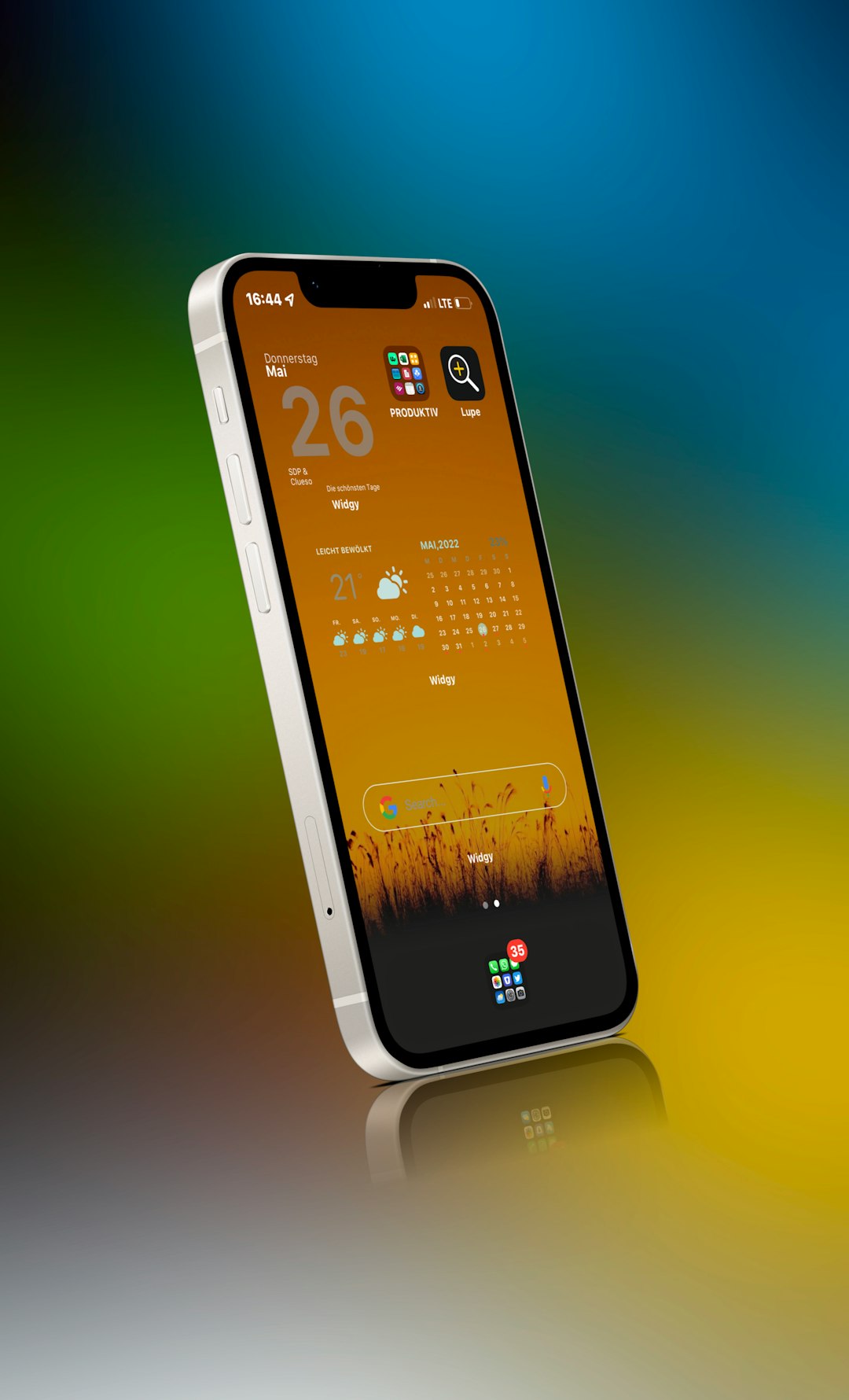
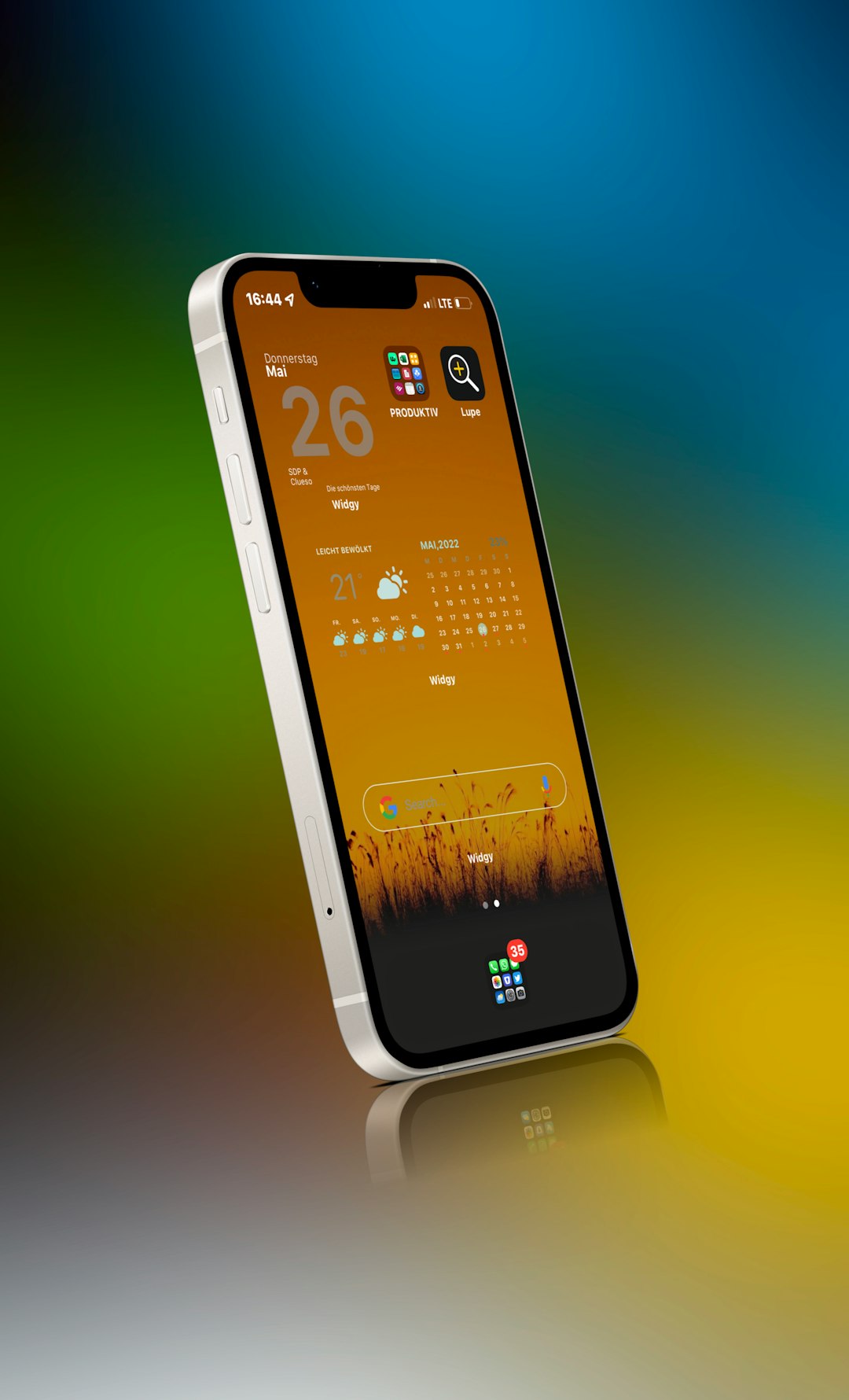
Harmony Tweak is one of those small tools that can make your phone feel fresh again. It is made for users who like to adjust the look and feel of iOS, especially on jailbroken devices. Think of it as a style kit. It helps you change small visual details without turning your phone into a spaceship.
TLDR: Harmony Tweak is a simple customization tweak for people who want a cleaner, more personal iPhone setup. It is best for users who enjoy changing colors, layouts, and interface details without using five different tools. For example, a user who spends 15 minutes setting it up could replace 3 separate tweaks with one cleaner setup. If you want deep theming, you may still prefer alternatives like SnowBoard or Lynx.
What Is Harmony Tweak?
Harmony Tweak is a jailbreak tweak focused on visual customization. It lets you adjust parts of the iOS interface. The goal is simple. Make your phone feel more like your phone.
It does not try to be scary or technical. You do not need to be a coding wizard. You open the settings, pick what you like, and test it. If it looks good, keep it. If it looks weird, change it back. Easy.
The tweak is useful for people who are bored with the default iOS design. Apple makes a very clean interface. But clean can become plain. Harmony adds more personality.
Main Features
Harmony Tweak is all about small changes that add up. It is not only about wild colors. It is also about balance. That is why the name fits.
- Interface color changes: You can adjust colors in different parts of the system. This gives your phone a custom mood.
- Cleaner layout options: You can make some areas feel less crowded. This is great if you like a minimal setup.
- Lock screen styling: The lock screen is the first thing you see. Harmony can help make it look sharper.
- Notification tweaks: Notifications can look more polished. They can also match your theme better.
- Control center adjustments: You can change the feel of quick controls. This makes daily use more fun.
- Simple settings panel: Most options are easy to understand. You do not need a long guide to start.
The best part is that Harmony does not feel too heavy. Some tweaks are packed with settings. That sounds nice at first. Then you open the menu and feel lost. Harmony feels more friendly.
Design And Ease Of Use
A good tweak should not fight you. Harmony mostly gets this right. The settings are clear. The changes are easy to see. You can test different looks without spending your whole weekend on it.
The interface is best for casual customizers. If you only want a softer color scheme or cleaner lock screen, you will enjoy it. If you want to rebuild the entire iOS experience from the ground up, you may feel limited.
That is not a bad thing. Not every tool needs to be a monster. Sometimes a hammer is better than a full toolbox.
Performance
Performance is always important with jailbreak tweaks. A pretty phone is not fun if it lags. Harmony is usually light, depending on your device and setup.
Older iPhones may feel small slowdowns if too many visual tweaks are active at once. That is normal. If you stack Harmony with many other design tweaks, conflicts may happen. The fix is simple. Disable one tweak at a time. Then test again.
For best results, keep your setup lean. Use Harmony for the things it does well. Avoid running five tweaks that all edit the same screen. That is like asking five people to drive one car. It will not end well.
Who Should Use Harmony Tweak?
Harmony Tweak is a good fit for users who want style without stress. It is also good for beginners in the jailbreak world.
- Use it if you want a nicer lock screen.
- Use it if you like custom colors.
- Use it if you want a simple settings menu.
- Use it if you dislike messy interfaces.
- Skip it if you need full icon theming.
- Skip it if you want extreme system changes.
Here is a quick user case. Mia has a jailbroken iPhone and wants a soft purple theme. She does not want to install ten tweaks. With Harmony, she changes the lock screen style, notification look, and control center colors. In about 20 minutes, her phone feels new. No drama. No headache.
Pros And Cons
No tweak is perfect. Harmony has strong points and weak points. Let us keep it simple.
Pros
- Easy to use: The options are simple enough for most users.
- Nice visual impact: Small changes can make a big difference.
- Good for minimal themes: It helps create a clean look.
- Less clutter: It may replace several smaller tweaks.
Cons
- Not a full theme engine: It will not do everything.
- Possible tweak conflicts: This can happen with similar tools.
- Best on supported iOS versions: Compatibility matters a lot.
- May feel basic for power users: Advanced users may want more control.
Best Harmony Tweak Alternatives
If Harmony does not fit your style, you have choices. Some alternatives are more powerful. Some are more focused. Pick based on what you want to change.
1. SnowBoard
SnowBoard is one of the most popular theming tools for jailbroken iPhones. It is best for icon themes. If you want your app icons to look totally different, this is a great pick.
SnowBoard is more theme focused than Harmony. It is not just about small interface changes. It is about giving your home screen a whole new outfit.
2. Lynx
Lynx is a powerful system customization tweak. It gives you many settings for different parts of iOS. You can adjust the lock screen, home screen, app switcher, and more.
Lynx is better for users who want more control. But it can feel more complex. If Harmony is a friendly scooter, Lynx is a control panel with many shiny buttons.
3. Atria
Atria is great for home screen layout changes. It helps you move icons, adjust spacing, and create a custom grid. If your main goal is a better home screen layout, Atria is worth a look.
It pairs well with icon themes. It is not the same as Harmony. It focuses more on structure than color.
4. Velvet
Velvet is a good alternative for notification styling. It lets you change how notification banners look. You can adjust colors and appearance in a neat way.
If you only care about notifications, Velvet may be better. It has a more focused purpose.
5. Jade
Jade is often used for Control Center customization. It can help make quick settings look cleaner and more modern. If Harmony does not give enough control in this area, Jade is a smart option.

Final Verdict
Harmony Tweak is a fun and simple choice for iOS customization. It is not the biggest tweak in the room. It does not need to be. Its strength is balance.
It gives you enough control to make your phone feel personal. At the same time, it keeps things easy. That makes it great for beginners and casual themers.
If you want full icon themes, use SnowBoard. If you want deep system control, try Lynx. If you want layout freedom, look at Atria. But if you want a clean, stylish, and low stress setup, Harmony Tweak is a lovely place to start.
Bottom line: Harmony is best for users who want their iPhone to look better without turning customization into homework. It is simple. It is neat. And yes, it can make your phone feel a little more fun.