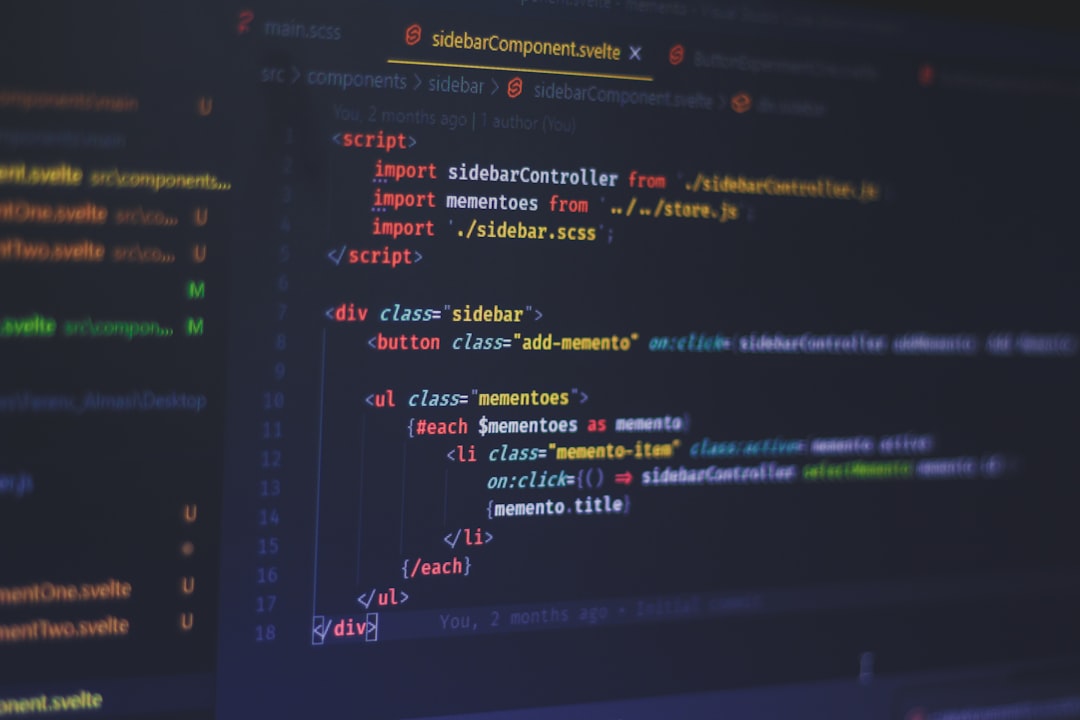
CopyCoder AI is positioned as an AI-powered coding assistant built to help developers, founders, students, and technical teams move from idea to usable code faster. Instead of replacing software engineers, it aims to support common development tasks such as generating code snippets, explaining logic, debugging issues, restructuring files, and accelerating repetitive programming work. This review looks at its likely strengths, practical benefits, and the situations where it may offer the most value.
TLDR: CopyCoder AI can be useful for teams that want faster code drafting, clearer debugging support, and smoother prototyping. For example, a small SaaS team building a dashboard could use it to generate reusable UI components, reduce repetitive coding time by an estimated 25% to 40%, and spend more time refining product logic. Its biggest advantage is speed, while its biggest limitation is the need for human review before code reaches production.

What Is CopyCoder AI?
CopyCoder AI is best understood as a productivity tool for software development workflows. It helps users create, review, and improve code through natural language prompts. A developer may describe a function, component, database query, or bug, and the tool can return a suggested solution. This makes it especially valuable during early development, experimentation, and repetitive implementation tasks.
Unlike a simple code snippet library, an AI coding assistant can adapt responses to context. It may explain why a certain approach works, suggest alternative implementations, or provide code in different programming languages. This flexibility makes CopyCoder AI relevant for both experienced engineers and less experienced users who need guidance while learning.
Key Features of CopyCoder AI
1. Code generation from prompts
One of the core features is the ability to generate code based on plain-language instructions. A user could request a login form, a sorting function, an API endpoint, or a database model. CopyCoder AI can then provide a starting point that developers can refine and integrate into their own projects.
2. Debugging and error explanation
CopyCoder AI can assist with troubleshooting by analyzing error messages, code blocks, or unexpected behavior. Instead of searching through multiple forum threads, developers can receive a direct explanation of what may be wrong and how to fix it. This is particularly helpful for common syntax errors, logic problems, dependency conflicts, and framework-specific issues.
3. Code refactoring
Refactoring is another useful feature. The tool can help simplify long functions, improve naming, remove duplicate logic, or restructure code for better readability. While human judgment remains essential, AI-assisted refactoring can make messy code easier to understand and maintain.
4. Multi-language support
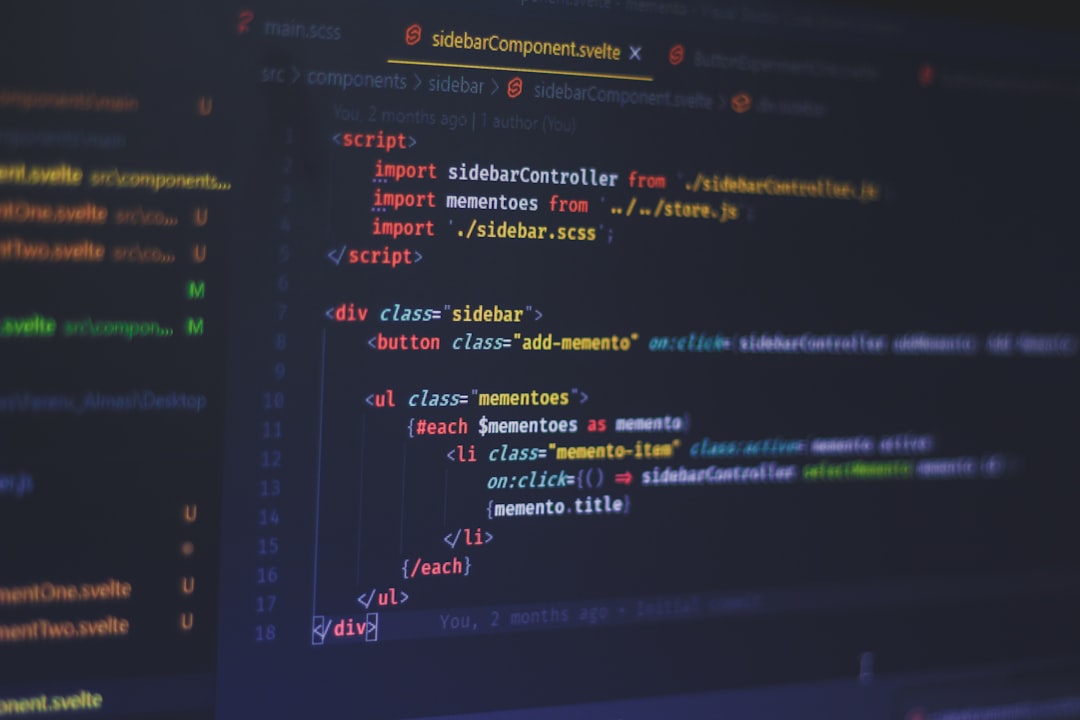
A strong AI coding tool usually supports several programming languages, such as JavaScript, Python, PHP, Java, TypeScript, HTML, CSS, SQL, and more. This makes CopyCoder AI useful across different project types, from web applications and automation scripts to data processing and backend services.
5. Documentation and explanations
Good code is not only functional; it also needs to be understandable. CopyCoder AI can help generate comments, documentation, usage notes, and simple explanations of complex logic. This can benefit teams that need to onboard new developers or maintain older codebases.
Main Benefits
- Faster development: CopyCoder AI can reduce the time spent writing boilerplate code, setting up basic files, or creating common functions.
- Improved learning: Students and junior developers can use its explanations to understand programming concepts more clearly.
- Better productivity: Developers can focus more on architecture, testing, and product decisions while the tool supports repetitive tasks.
- Quicker prototyping: Founders and product teams can test ideas faster by generating early versions of features.
- Reduced context switching: Instead of jumping between documentation, search engines, and forums, users can get targeted help in one place.
These benefits are most visible when CopyCoder AI is used as an assistant rather than an authority. Its suggestions can speed up the process, but they should be verified for correctness, security, scalability, and compatibility with the existing codebase.
Potential Use Cases
Startup prototyping
A startup building a minimum viable product could use CopyCoder AI to generate landing page components, form validation logic, API routes, and database queries. This can help a lean team move from concept to working prototype more efficiently.
Frontend development
Frontend developers may use the tool to create UI components, responsive layouts, CSS fixes, and JavaScript interactions. It can also help translate design requirements into structured HTML, CSS, or framework-based code.
Backend development
For backend work, CopyCoder AI can assist with authentication logic, REST API examples, data validation, SQL queries, and integration patterns. It can provide a useful starting point for services that still require careful security and performance review.
Education and training
Students can benefit from step-by-step explanations, example projects, and simplified descriptions of programming concepts. Instead of merely copying answers, learners can ask for explanations of loops, functions, classes, APIs, or algorithms.
Legacy code maintenance
Teams maintaining older software may use CopyCoder AI to explain unfamiliar code, rewrite outdated functions, or suggest modernization paths. This can be especially valuable when documentation is incomplete or original developers are no longer available.

Limitations to Consider
CopyCoder AI is not a perfect replacement for professional engineering skills. AI-generated code may include bugs, inefficient logic, outdated patterns, or security weaknesses. It may also misunderstand project-specific requirements if the prompt lacks context. For production environments, all output should be reviewed, tested, and adapted by qualified developers.
Another limitation is dependency on prompt quality. Clear instructions usually produce better results, while vague requests may lead to generic or unusable output. Teams that adopt CopyCoder AI should develop internal guidelines for prompt writing, code review, and testing before relying on it heavily.
Who Should Use CopyCoder AI?
CopyCoder AI is most suitable for developers who want to save time on routine tasks, students who need additional learning support, entrepreneurs testing product ideas, and small teams that need to work efficiently. It may also be helpful for non-technical product managers who want to better understand development requirements, although final implementation should remain with technical professionals.
For advanced engineering teams, its value may come from accelerating repetitive work rather than solving highly specialized problems. Senior developers may use it as a brainstorming partner, a refactoring assistant, or a quick way to draft test cases and documentation.
Final Verdict
CopyCoder AI offers meaningful value as a coding productivity assistant. Its strongest features are fast code generation, debugging support, refactoring help, and educational explanations. When used responsibly, it can reduce development friction and help teams move faster from idea to implementation.
However, it should be treated as a supportive tool, not an automatic source of production-ready code. The best results come when developers combine its speed with careful review, testing, and domain knowledge. For teams seeking faster prototyping and more efficient coding workflows, CopyCoder AI is worth considering.
FAQ
Is CopyCoder AI suitable for beginners?
Yes. Beginners can use it to generate examples, understand errors, and learn programming concepts. However, they should study the explanations rather than simply copying code.
Can CopyCoder AI replace a developer?
No. It can assist with coding tasks, but human developers are still needed for planning, architecture, testing, security, and final decision-making.
What types of projects can benefit from CopyCoder AI?
Web applications, automation scripts, prototypes, backend APIs, UI components, educational projects, and internal tools can all benefit from AI-assisted coding.
Is AI-generated code always accurate?
No. AI-generated code can contain bugs or security issues. Every output should be reviewed and tested before being used in a live environment.
Who gets the most value from CopyCoder AI?
Small teams, startups, students, independent developers, and busy engineering teams are likely to gain the most value, especially when speed and iteration matter.