Pick Microsoft 365 if your healthcare team lives in Outlook, Teams, Windows, and strict device control. Pick Google Workspace if your team wants simple cloud collaboration with Gmail, Drive, Docs, and Meet. Either way, HIPAA requires a written agreement when a vendor handles protected health information, or PHI [source: HHS].
TLDR
Both Microsoft 365 and Google Workspace can work with a Business Associate Agreement, or BAA. Microsoft usually wins for larger clinics with heavy security needs. Google often wins for smaller teams that want less admin pain. Example: a 25 person therapy clinic using Gmail and Drive may get running faster on Google, while a 200 person medical group with Windows laptops, Teams, and device rules may save hours each month with Microsoft.

What is a BAA, in plain English?
A Business Associate Agreement is a legal handshake. It says, “Hey cloud company, you may touch our patient data, but you must protect it.”
HIPAA calls patient data PHI. That can be names, test results, appointment notes, billing details, photos, and even email messages about care.
If your email, file storage, calendar, chat, or video platform touches PHI, you need a BAA with that vendor. No BAA means trouble. Big trouble. The kind with fines, audits, and tense meetings.
The simple answer
Microsoft 365 and Google Workspace both offer BAAs. They are not magic shields. They do not make your business HIPAA compliant by themselves.
Think of each platform like a fancy hospital door. It has locks. It has cameras. It has badges. But someone still has to set the rules. That someone is you.
It drives me crazy that both vendors make the BAA sound like the finish line. It is not. It is the starting line.
Microsoft 365 for HIPAA BAAs
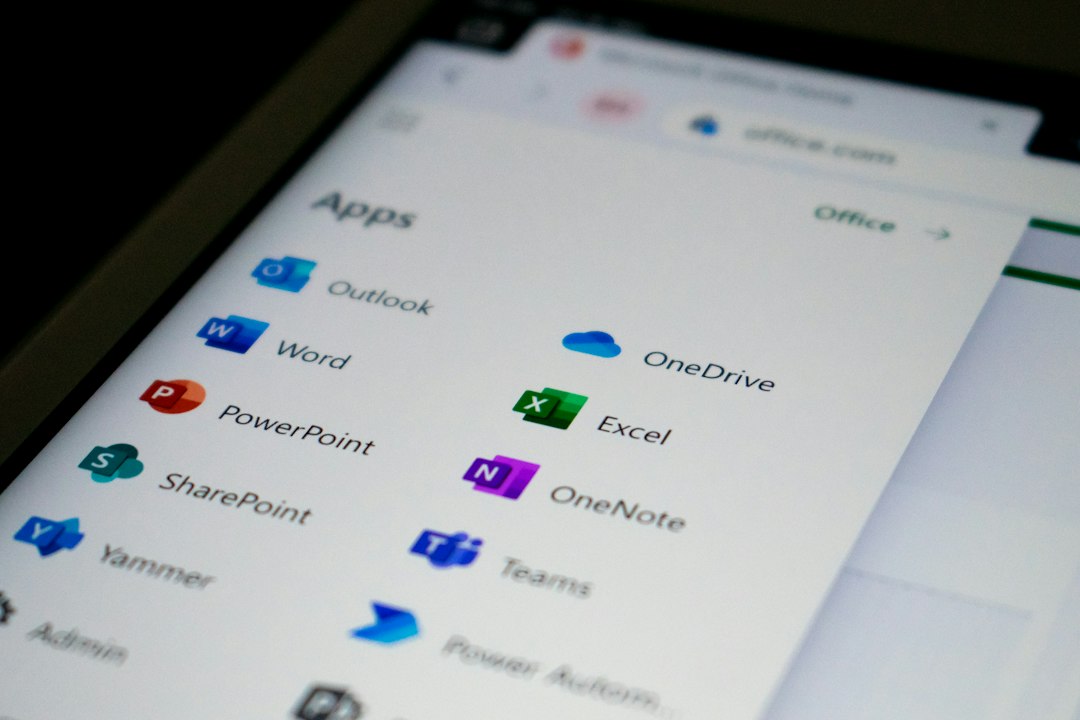
Microsoft 365 is a strong choice for healthcare groups that want deep controls. It fits well when staff use Outlook, Exchange Online, Teams, SharePoint, OneDrive, and Windows devices.
Microsoft states that its online services include HIPAA support through its data protection terms and covered services [source: Microsoft].
Microsoft 365 is especially good for:
- Medical groups with many departments.
- Teams that use Windows laptops.
- Organizations that need strict access rules.
- Admins who want strong audit and security tools.
- Businesses that already use Active Directory or Entra ID.
The best features are not always in the cheapest plan. For HIPAA work, many teams look at Microsoft 365 Business Premium, E3, or E5. Why? Because you often need tools like device management, audit logs, retention rules, threat protection, and data loss prevention.
Translation: do not buy the cheapest plan and assume you are safe. That is how “oops” becomes a compliance meeting.
Google Workspace for HIPAA BAAs
Google Workspace is clean, fast, and easy for many teams. It fits well when staff prefer Gmail, Google Drive, Docs, Sheets, Calendar, and Meet.
Google says Workspace can support HIPAA compliance for customers that sign the BAA and use covered services correctly [source: Google].
Google Workspace is especially good for:
- Small practices that want simple tools.
- Teams that work mostly in a browser.
- Groups that share documents all day.
- Startups and telehealth teams moving fast.
- Staff who hate heavy desktop software.
Honestly, it feels like Google is easier on day one. Admin screens are cleaner. Sharing files feels natural. Setup can be quick.
But there is a snag. You still need to check which services are covered under the BAA. You also need to stop staff from putting PHI into apps that are not covered. Yes, that means training. No, people will not “just know.”
Quick comparison
| Area | Microsoft 365 | Google Workspace |
|---|---|---|
| BAA support | Yes, for covered services. | Yes, for covered services. |
| Best fit | Larger teams, Windows-heavy offices, complex security. | Small to midsize teams, browser-first workflows. |
| Outlook and Exchange Online. | Gmail. | |
| Files | OneDrive and SharePoint. | Google Drive. |
| Meetings | Teams. | Google Meet. |
| Admin style | Powerful, but can feel dense. | Simpler, but less deep in some areas. |
The BAA does not cover everything
This is the part people skip. Please do not skip it.
A BAA only applies to covered services. If your team puts PHI into a random add-on, consumer app, or unsupported tool, the BAA may not help you.
For example, using Gmail under a Google Workspace BAA may be fine when configured correctly. Using a random Chrome extension to summarize patient emails may not be fine. Same idea with Microsoft. Outlook may be covered. A third-party Teams app may not be.
Before using either platform, make a “PHI allowed” list. Keep it short. Train staff on it. Repeat it often.
Security settings you must turn on
Your BAA is paperwork. Your settings are real protection.
Turn on these basics:
- Multi-factor authentication. No exceptions for “just this one doctor.”
- Strong passwords or passwordless sign-in.
- Role based access. Billing staff should not see therapy notes unless needed.
- Audit logs. You need to know who opened what.
- Device controls. Lost laptops should not become data leaks.
- Encryption. Use it for files, email, and devices.
- Data loss prevention. Stop PHI from being shared in risky ways.
- Retention rules. Keep records as required. Delete what should not live forever.
Expect to waste time on sharing settings. A lot of time. One “anyone with the link” file can ruin your week.
When Microsoft 365 is the better pick
Choose Microsoft 365 if compliance is complex. It is also the safer bet if your team already uses Outlook, Excel, Word, and Teams every day.
Microsoft is great when you need:
- Advanced identity controls.
- Strict device management.
- Detailed audit trails.
- Security alerts.
- Integration with Windows computers.
- More compliance tooling in one place.
The downside? It can feel like opening a toolbox with 400 tiny drawers. Powerful, yes. Friendly, not always.
When Google Workspace is the better pick
Choose Google Workspace if your team prizes speed and simple collaboration. It shines when users live in Gmail, Docs, and Drive.
Google is great when you need:
- Fast setup.
- Easy document sharing.
- Clean admin controls.
- Simple video meetings.
- A lower training burden for cloud-first teams.
The downside? You must be strict about app usage. Google has many connected tools. Staff may click first and ask later. That is not a compliance plan.
So, which one should you sign with?
If you have fewer than 50 users and want simple email, files, and video visits, Google Workspace may feel better. If you have 100 users or more, many Windows devices, and a serious IT team, Microsoft 365 may fit better.
Here is the real rule: pick the platform your team will use correctly. A perfect security tool ignored by staff is just expensive decoration.
Ask these questions before you choose:
- Which apps will hold PHI?
- Does the BAA cover those apps?
- Can we control sharing?
- Can we audit access?
- Can we wipe lost devices?
- Can staff understand the rules?
Final recommendation
Microsoft 365 is the stronger choice for heavy compliance control. Google Workspace is the smoother choice for simple collaboration. Both can support HIPAA with a BAA. Neither can save you from weak settings, sloppy sharing, or untrained staff.
Sign the BAA. Configure the tools. Train the humans. The humans are usually the tricky part.