Figma should be used for shaping the interface, while Lovable should be used for turning that interface into a working app. Figma is still stronger for visual precision, design systems, comments, variants, and stakeholder review. Lovable is stronger when the goal is to move from a static idea to a usable web app with screens, logic, database connections, and deployable code.
TLDR: Figma is the better design tool; Lovable is the better build tool. A small team creating a four-screen rental booking app might spend 12 hours polishing flows in Figma, then use Lovable to create a working version in 45 to 90 minutes. The best workflow is not “Figma versus Lovable,” but Figma to Lovable: design the experience first, then ask Lovable to build it. This can cut the first prototype cycle by roughly 60% to 80% compared with manual front-end setup.
What Figma Does Best
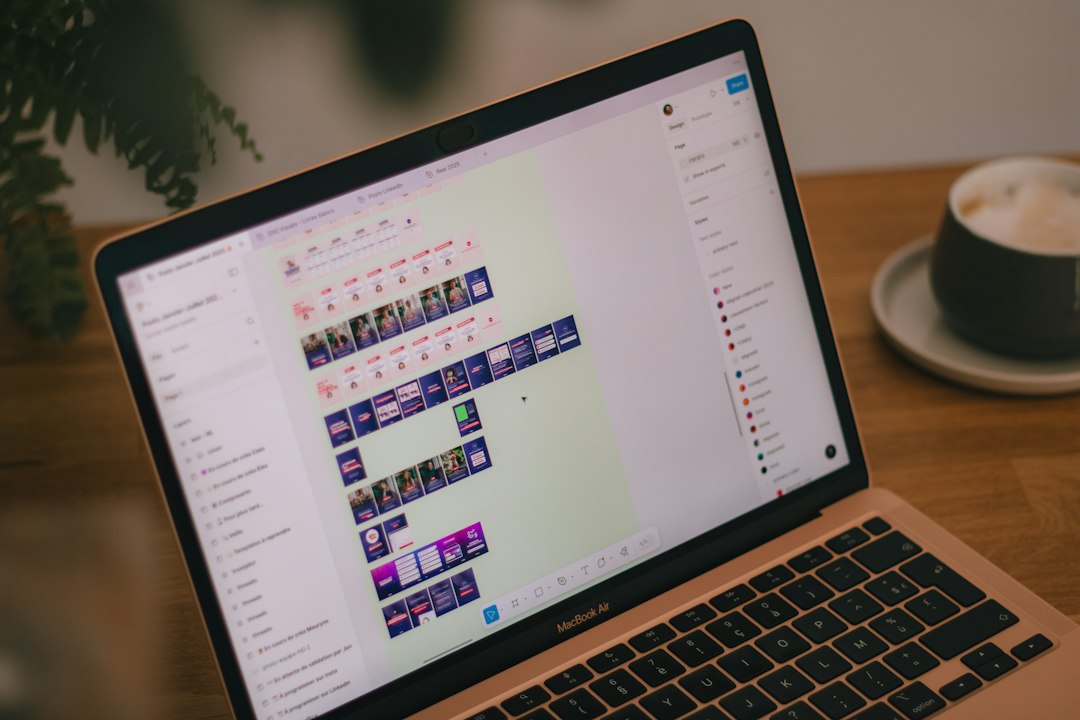
Figma is made for design clarity. It helps designers create screens, components, styles, grids, prototypes, and design systems. When a product team needs alignment before code begins, Figma is hard to beat.
It gives teams a shared visual source of truth. Designers can create buttons, cards, forms, menus, modals, and entire flows. Product managers can comment on edge cases. Developers can inspect spacing, colors, fonts, and assets through Dev Mode.
Figma also keeps the messy early phase under control. A team can test five homepage versions without touching production code. That matters. Rebuilding uncertain ideas in code too early is expensive and annoying.
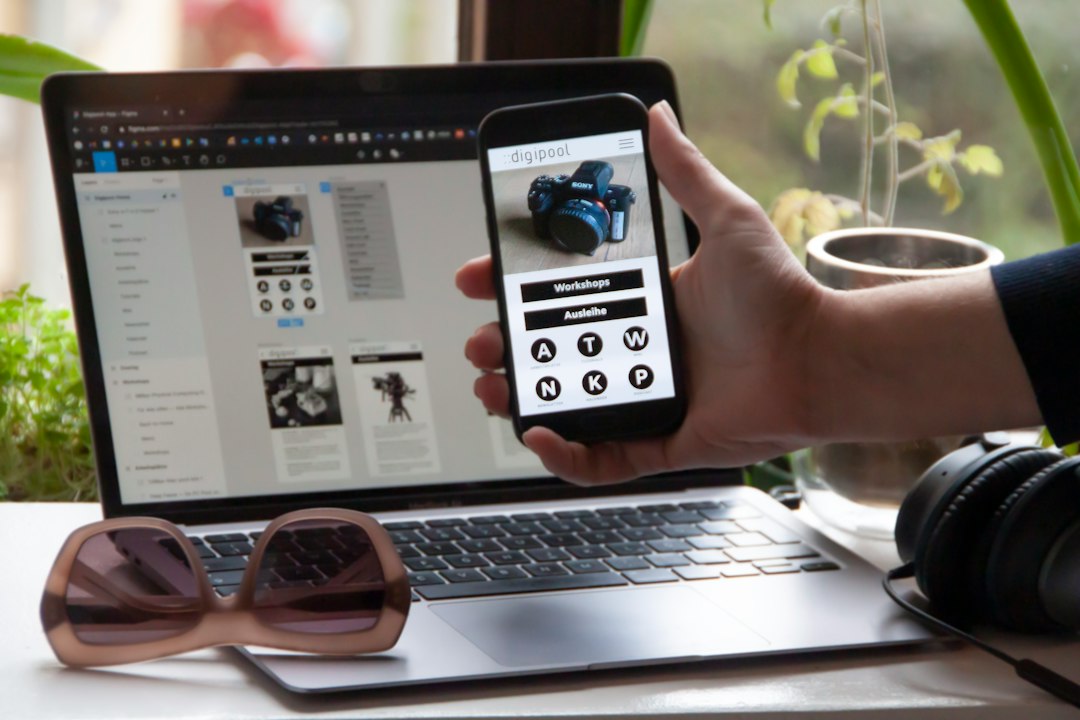
Still, Figma does not create a real app by itself. Its prototypes can feel clickable, but they do not process real data. A sign-up form in Figma does not create a user account. A pricing page does not connect to Stripe. A dashboard does not pull live database records. That gap is where Lovable becomes useful.
What Lovable Does Best
Lovable is built for AI-assisted app creation. A user describes an app, uploads references, or provides design direction, and Lovable generates a working application. It can create screens, routes, UI components, authentication flows, database tables, and app logic.
For early product builds, this is a big shift. Instead of starting with a blank repository, boilerplate setup, routing, styling, and database wiring, a founder or product team can ask Lovable to generate the first usable version.
For example, a team could prompt: “Build a client portal for a design agency with login, project list, file upload, invoice status, and admin view. Use a clean layout based on this Figma screenshot.” Lovable can then produce a functional first version that can be edited, tested, and shipped faster than a hand-coded first draft.
The catch is that AI-generated apps still need review. Lovable can make strong guesses, but it may miss brand rules, accessibility details, or unusual business logic. It drives teams crazy when a button looks right but behaves wrong, or when a generated table uses nearly correct fields but misses one critical status value.
Figma vs Lovable: The Core Difference
The main difference is simple: Figma produces design intent. Lovable produces working software.
- Figma: best for wireframes, UI design, prototypes, design systems, brand control, and stakeholder comments.
- Lovable: best for generating an app, creating pages, adding logic, connecting data, and deploying a usable product.
- Figma output: mockups, components, specs, prototypes, and assets.
- Lovable output: code, UI, workflows, database structure, and hosted app versions.
Figma asks, “What should this look and feel like?” Lovable asks, “What should this app do?” Good teams answer both questions before launch.
The Best Figma to Lovable Workflow
A practical Figma to Lovable process starts with design, not code. The team first creates the key screens in Figma. These usually include the landing page, dashboard, login, onboarding, settings, and any core workflow screens.
Next, the team labels the screens clearly. Lovable performs better when the design intent is not vague. A screen named “Admin Dashboard With Revenue Cards and User Table” is more useful than “Frame 42.”
Then the team exports screenshots, copies key text, and writes a short build brief. The brief should include:
- App purpose: what the product does.
- User roles: admin, customer, guest, manager, or member.
- Core flows: sign up, create project, book service, upload file, pay invoice.
- Data needs: user profiles, orders, messages, products, leads, tasks.
- Design rules: colors, typography, spacing, button style, and layout preferences.

After that, Lovable can generate the working version. The team should review each screen, test each action, and fix anything that feels off. Expect to waste time on small corrections if the prompt is thin. A vague prompt can add 20 to 30 extra minutes of cleanup even on a simple prototype.
When Figma Is the Better Choice
Figma is the better choice when the app idea is still changing. If leadership cannot agree on the product flow, Lovable may build the wrong thing quickly. That is not progress. That is just faster rework.
Figma is also better for brand-heavy products. Consumer apps, finance dashboards, health platforms, and premium marketplaces often need careful visual control. Exact spacing, type hierarchy, states, and responsive behavior matter. Figma gives designers the control needed before any app builder starts generating code.
It is also the safer place for feedback. Stakeholders can comment on a design without breaking anything. Legal, marketing, support, and engineering can all review the experience before build time begins.
When Lovable Is the Better Choice
Lovable is the better choice when a team needs a real app fast. A founder testing a SaaS idea, an agency building a client demo, or an internal team creating a tool can gain speed from Lovable.
It shines when the design is “good enough” and the bigger question is whether the app works. Can users register? Can they submit a request? Can an admin approve it? Can the dashboard show real records? Figma cannot answer those questions. Lovable can.
Lovable is also useful for teams without full engineering capacity. It does not remove the need for developers on serious products, but it can reduce the early workload. A developer can review and refine generated code instead of building every first draft from scratch.
Common Mistakes in Figma to Lovable Projects
The first mistake is treating a pretty Figma file as a full product spec. It is not. A mockup rarely explains permissions, error states, empty states, loading behavior, or database rules.
The second mistake is expecting Lovable to read minds. If the prompt says “make a dashboard,” the result may look fine but miss the actual workflow. Better prompts create better apps.
The third mistake is skipping QA. AI-built apps still need testing. Forms should be submitted. Login should be checked. Mobile views should be reviewed. Data should be inspected. Small bugs can hide behind polished screens.
Which Tool Should a Team Pick?
Most teams should not pick only one. They should use Figma for design decisions and Lovable for working prototypes and early builds. This pairing gives designers room to craft the user experience and gives builders a faster path to something usable.
If the project is still rough, Figma comes first. If the screens are clear and the team needs proof that the product can work, Lovable comes next. For many startups and agencies, that sequence is the sweet spot.
FAQ
Can Lovable replace Figma?
Lovable can replace some early mockup work, but it does not fully replace Figma. Figma is still better for detailed UI design, design systems, stakeholder comments, and pixel-level review.
Can Figma designs be turned into a Lovable app?
Yes. Teams can use Figma screens, screenshots, style notes, and written prompts to guide Lovable. The clearer the Figma file and instructions, the closer the generated app will be to the intended design.
Is Lovable good for production apps?
Lovable can help create production-ready foundations, but serious apps still need testing, security review, performance checks, and code review. It is strong for prototypes, MVPs, and early product versions.
Which is better for non-technical founders?
Lovable is usually more useful for non-technical founders who need a working demo. Figma is better when they need to explain the idea visually before asking for a build.
What is the best workflow?
The best workflow is to design the core screens in Figma, write a clear product brief, send the visual direction into Lovable, then test and refine the generated app.